
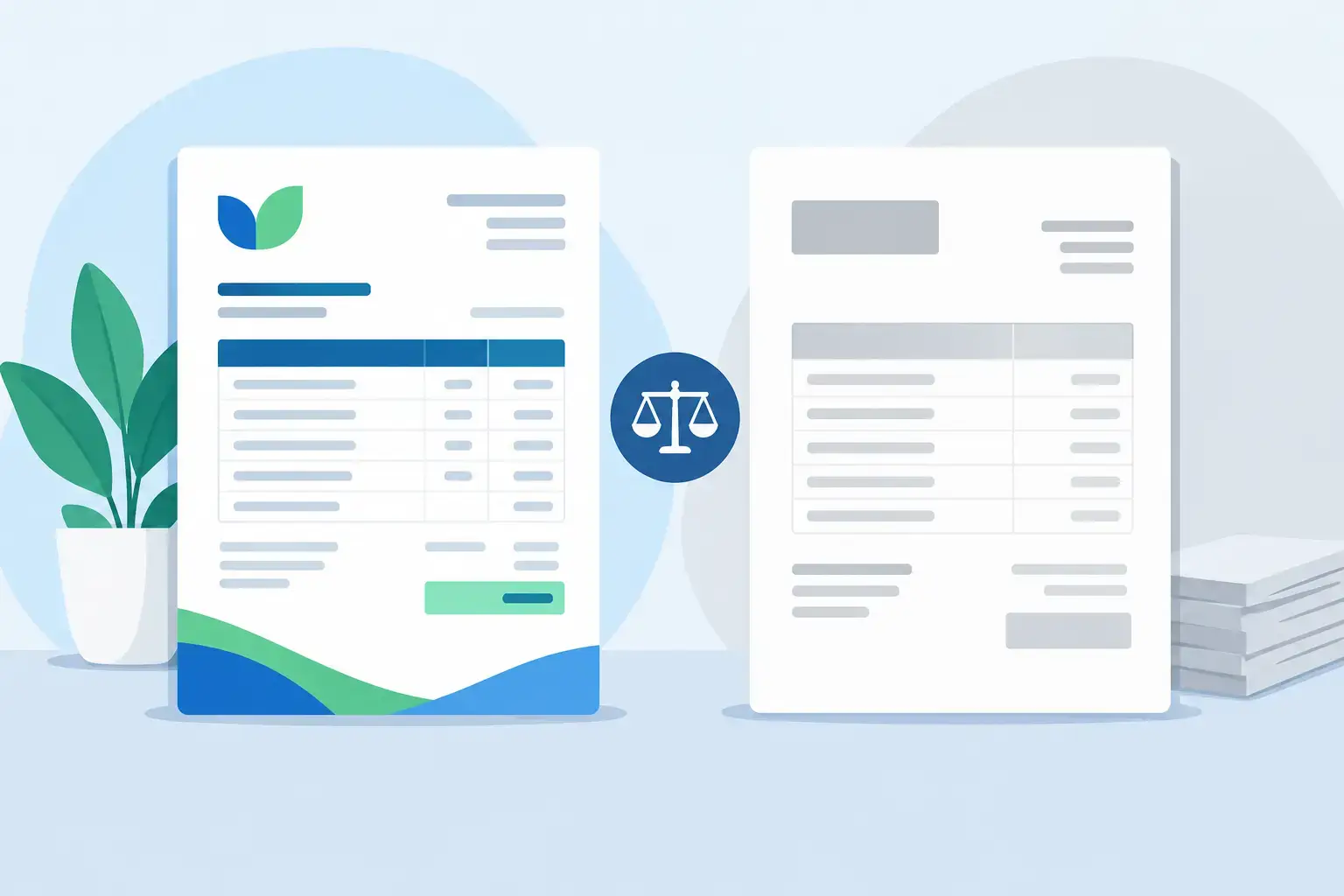
A customer who has to ask what they are paying for, where to send payment, or whether an invoice is legitimate is less likely to pay quickly. That is the practical difference behind invoice templates versus generic invoices. Both can request payment, but only one gives your team a repeatable process and gives customers a clear, professional document they recognize.
For a small business, invoicing is not just an administrative task. It affects cash flow, customer confidence, reporting accuracy, and the time your staff spends correcting avoidable mistakes. The right approach depends on your volume, the complexity of your work, and how much control you need over the details.
What is a generic invoice?
A generic invoice is usually a basic document created from scratch or copied from a simple spreadsheet, word processor, or online form. It often includes the essentials: your business name, customer name, invoice number, date, line items, total due, and payment terms.
There is nothing inherently wrong with this approach. A contractor sending one or two straightforward bills per month may only need a simple document. Generic invoices can also be useful when a business is just getting started and needs to send a bill immediately.
The problem begins when the document changes every time. A different employee may use a different layout, payment instructions may be omitted, invoice numbering can become inconsistent, and customers may receive bills that do not look like they came from the same company. What saved a few minutes at the start can create more follow-up work later.
What an invoice template changes
An invoice template is a reusable layout with the information your business needs built in. Instead of rebuilding the document, you select the customer, add the products, services, hours, or project charges, and review the completed invoice before sending it.
A useful template does more than place a logo at the top. It standardizes the information that helps customers approve and pay the invoice. That can include your business address, contact details, tax identification fields where needed, payment terms, due date, accepted payment methods, notes, purchase order numbers, and a clear description of the work completed.
For businesses with specialized workflows, templates can also include custom fields. A trading company may need shipment references or delivery details. A service business may need project names, service periods, technician details, or approved change order numbers. The goal is not to add fields for the sake of it. It is to make every invoice answer the questions your customer normally asks.
Invoice templates versus generic invoices: the daily differences
The clearest difference is consistency. A template keeps invoices recognizable across customers, team members, and billing periods. A generic invoice relies on each person remembering what to include and where to place it.
Consistency matters because customers process many bills. When they can quickly find the invoice number, amount due, payment date, and remittance instructions, they can move the invoice through their approval process with fewer delays. A clean, familiar format also makes your business look established, even if your team is lean.
Accuracy is the next difference. Reusable templates reduce manual entry because standard business information, terms, and document styling are already in place. You still need to confirm quantities, rates, taxes, and dates, but there are fewer opportunities to leave out a key detail. This is especially valuable when several users prepare invoices or when one person handles billing while another manages customer questions.
Then there is speed. Creating a one-off document may feel quick until you factor in formatting, saving files, locating the latest version, attaching supporting records, and correcting customer responses. Templates turn these repeated steps into a routine. That gives your staff more time to follow up on overdue accounts, review project profitability, or keep inventory records current.
When a generic invoice may be enough
A generic invoice can be a reasonable short-term choice when your transactions are rare, simple, and highly customized. For example, a consultant who sends a single annual bill for a fixed engagement may not need a full template library. The same is true for a one-time sale that requires an unusual description or a customer-specific format.
Even in these cases, do not confuse simple with incomplete. The invoice should still identify both parties, use a unique invoice number, state the date and due date, explain the charge, show applicable taxes, and tell the customer exactly how to pay.
Generic invoices become less practical when billing is recurring, multiple employees create documents, customers use purchase orders, or your business needs dependable records. At that point, the risk is not just an unattractive invoice. It is a fragmented billing process that makes cash flow harder to manage.
Where templates deliver the strongest return
Templates are most useful when a business has repeatable work. Monthly retainers, recurring product orders, milestone billing, hourly services, and project-based charges all benefit from a standard structure. The more often you invoice, the more value you gain from reducing small repetitive decisions.
They are also valuable for companies that need different document layouts without losing control. You might use one layout for domestic customers, another for international customers who require multi-currency details, and a third for project invoices that include job references. Each can remain on-brand while showing the fields that matter for that transaction.
For inventory-based businesses, invoices should connect naturally to what was sold. When billing is separated from inventory movements, it is easier to oversell items or spend time reconciling quantities later. For service teams, invoice details should align with the project, labor, or expense records that support the amount billed. A template is most effective when it is part of an organized workflow, not a standalone PDF.
How to build an invoice template your customers can use
Start with the information your customer needs to approve payment, not with decorative design. Your company name and contact information should be easy to find. The word “Invoice,” invoice number, issue date, due date, customer name, and total due should be visually clear.
Use line-item descriptions that a customer can recognize. “Consulting services” may be too vague, while “March operations consulting - 12 hours” is easier for the customer to match to an agreement or manager approval. If you bill by project or purchase order, include that reference consistently.
Payment terms should be direct. State whether payment is due on receipt, within 15 days, or according to another agreed schedule. Include payment instructions on the document rather than assuming the customer has them from an earlier email. If late fees apply, make sure the wording aligns with your contract and is presented clearly.
Finally, keep the layout readable. A crowded invoice can create as much friction as an incomplete one. Use clear headings, logical spacing, and a format that works well whether the customer views it on a phone, prints it, or forwards it to an accounts payable team.
Use templates to improve control, not add complexity
The best invoicing process gives your business enough structure to stay organized while leaving room for the exceptions that real operations create. You may need a custom note for a customer, a special project field, or a branded layout for a specific business unit. A good system should make those adjustments manageable without forcing your team to start over.
MyCloudBook helps businesses create branded, customizable invoice layouts while keeping invoices connected to customers, payments, expenses, inventory, and project records. That means the document sent to a customer can support the financial visibility your team needs behind the scenes.
Before sending your next invoice, ask one simple question: could a customer who has never seen this document understand what it covers, what they owe, and how to pay within 30 seconds? If the answer is no, a well-designed template is a practical next step.