
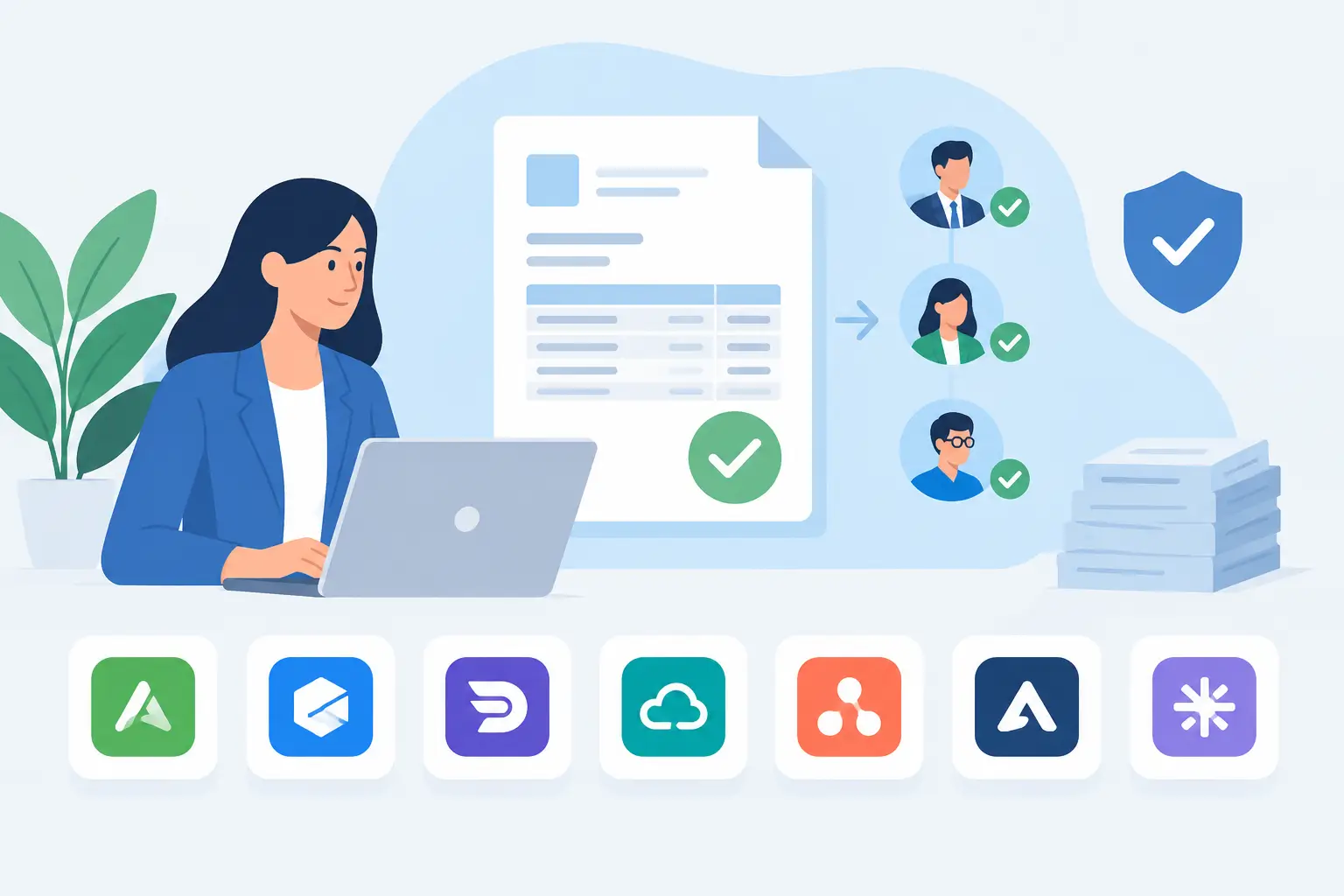
A $900 software invoice should not sit in someone’s inbox for ten days because the approver was traveling. Yet for many growing businesses, that is exactly how invoices become late payments, duplicate entries, and surprise cash flow gaps. The top tools for invoice approvals replace that uncertainty with clear routing, visible status, and an approval record your team can trust.
The right choice depends on how your business receives bills, who needs to approve spending, and where your accounting records live. A small service business may need straightforward approval controls inside its accounting system. A multi-entity company processing hundreds of supplier invoices each month may need a dedicated accounts payable platform with more complex policies.
What an invoice approval tool should do
Invoice approval software gives each bill a defined path before payment. A bill can be captured from an email, uploaded as a document, or entered by a team member. The system then sends it to the appropriate person based on rules such as vendor, amount, department, project, location, or entity.
At a minimum, look for a clear bill status, permission-based access, an approval history, and the ability to attach the original invoice. Those basics help a bookkeeper answer simple but urgent questions: Has this been approved? Who is holding it? Is it ready to pay? Was it already entered?
The most useful systems also reduce repeated work. Optical character recognition or AI-assisted capture can pull vendor names, dates, amounts, and expense details from invoices or receipts. Approval rules can send a project cost to the project manager, while higher-value purchases go to an owner or finance manager. The goal is not to add layers of control to every purchase. It is to make routine approvals quick and exceptions visible.
7 top tools for invoice approvals
1. MyCloudBook
MyCloudBook is a practical option for small and medium-sized businesses that want bills, expenses, payments, documents, projects, inventory, and accounting records in one cloud system. It suits teams that prefer to manage approval-related work close to the financial records instead of adding another disconnected application.
Its strengths are operational flexibility and day-to-day visibility. Teams can keep documents with transactions, give multiple users company access, use custom fields for information that matters to their workflow, and track project costs alongside project earnings. AI-powered receipt-to-expense capture can also cut down on manual data entry. This approach is especially useful when an invoice needs context - such as a job number, inventory movement, or internal cost category - before someone approves it.
It may not be the best fit for a company that needs highly complex, global accounts payable controls across many legal entities. But for businesses that want a simpler accounting workspace with room to customize, it can reduce the back-and-forth between operations and bookkeeping.
2. BILL
BILL is a well-known accounts payable and accounts receivable platform built around bill capture, approvals, payments, and accounting synchronization. It is a strong candidate for businesses that already use accounting software and want a dedicated workflow for moving supplier invoices through review and payment.
Its main advantage is specialization. You can create approval policies, route bills to the right people, and maintain a payment-focused process without relying on email threads. It is often a sensible step up for a business with a growing volume of vendor bills.
The trade-off is another system to configure and maintain. Before choosing it, confirm how invoice coding, attachments, approval comments, payment status, and accounting sync will work for your team. A clean workflow on paper can still create extra reconciliation work if responsibilities are unclear.
3. Tipalti
Tipalti is designed for organizations with more demanding payables operations, including multi-entity workflows, supplier onboarding, tax forms, payment controls, and international payment needs. It is generally better suited to companies with a larger finance function or complex payment requirements.
For invoice approvals, its value is in handling structured policies at scale. Different subsidiaries, departments, currencies, and approval limits can follow their own rules while finance retains oversight. That level of control can be valuable when payment risk and compliance requirements are high.
For a smaller business, however, the setup may be more than necessary. More configurable software usually requires more time to design processes, train users, and keep master data accurate. Buy this level of system when complexity is a real operating need, not just because it offers every possible control.
4. Ramp
Ramp is primarily known for spend management and corporate cards, with bill pay and approval capabilities that can help teams centralize spending decisions. It can work well for companies that want employee card expenses and vendor bills viewed under a broader spending policy.
The benefit is better control before and after money is committed. Finance teams can set limits, review spending categories, and give managers a clearer view of business purchases. This can be useful when invoice approvals are only one part of a wider effort to control operating costs.
Consider whether card management is central to your needs. If your main problem is supplier invoice capture and approval, a platform focused heavily on cards may include functions your team will not use. Also check how well the approval flow handles project-specific costs and the accounting detail required at month-end.
5. Airbase
Airbase combines accounts payable, expense management, and corporate card controls. It is aimed at businesses that want one spend-management process across invoices, reimbursements, and employee purchasing.
Its approval tools can help companies apply policies consistently across different expense types. Instead of managing vendor bills in one workflow and employee expenses in another, finance can create a more unified view of outgoing money. This is particularly useful for companies with many employees making approved business purchases.
The right fit depends on your purchasing process. Teams with formal expense policies and several approval levels may benefit from the structure. A lean business with a handful of monthly vendor invoices may find a full spend-management platform harder to administer than an accounting-centered solution.
6. QuickBooks Online
QuickBooks Online can be a familiar starting point for businesses that already keep their books there. Depending on the plan and connected applications in use, it can support bill entry, user permissions, document storage, and basic review processes.
Its appeal is convenience. If the bookkeeper already works in QuickBooks every day, entering bills and keeping records in the same place can reduce duplicate data entry. For very simple approval needs, a documented internal process combined with controlled user access may be enough.
The limitation is that growing teams often need more detailed routing, delegation, and visibility than a basic accounting workflow provides. If invoices routinely require approval by department or project, assess the process carefully before relying on manual notes, emails, or workarounds.
7. AvidXchange
AvidXchange focuses on accounts payable automation and is often considered by mid-sized businesses handling a significant number of invoices. Its capabilities can support invoice capture, workflow approvals, supplier payments, and reporting for organizations ready to formalize payables operations.
It can be a good fit when invoice volume is high enough that manual processing is creating real delays. Centralized workflows make it easier to track exceptions, maintain a record of approvals, and reduce time spent chasing status updates.
As with other dedicated AP platforms, implementation matters. Ask how vendor records will be cleaned up, how invoice coding will be reviewed, and who owns exceptions. A tool can route approvals efficiently, but it cannot fix unclear purchasing rules or incomplete invoice information.
How to choose among invoice approval tools
Start with the approval decision, not the feature list. Write down who approves bills today, what amount requires a second approver, and which invoices need project, inventory, department, or customer information. Then identify where bills arrive and who enters them into the accounting records.
Next, separate must-haves from future needs. A business processing 30 invoices a month may prioritize ease of use, document attachments, and clear access controls. A company with several entities, currencies, and payment methods may need stronger policy routing, audit records, and payment automation.
Ask each provider to show the real workflow using an example from your business. Use an invoice that includes a purchase order, a project code, a partial approval, or an unexpected amount. Watch what happens when the approver is unavailable. The best system is one your operations team can follow without creating a new spreadsheet to explain it.
Build a process your team will actually use
Even the best software needs a simple policy behind it. Define who can submit bills, who checks coding and supporting documents, and who gives final approval. Set an approval threshold that reflects your business, then review it as spending grows.
Keep the process visible. When every invoice has an owner, a status, and the supporting document attached, approvals stop being a scavenger hunt. That gives your team more time to manage vendors, protect cash flow, and make confident decisions before money leaves the business.