
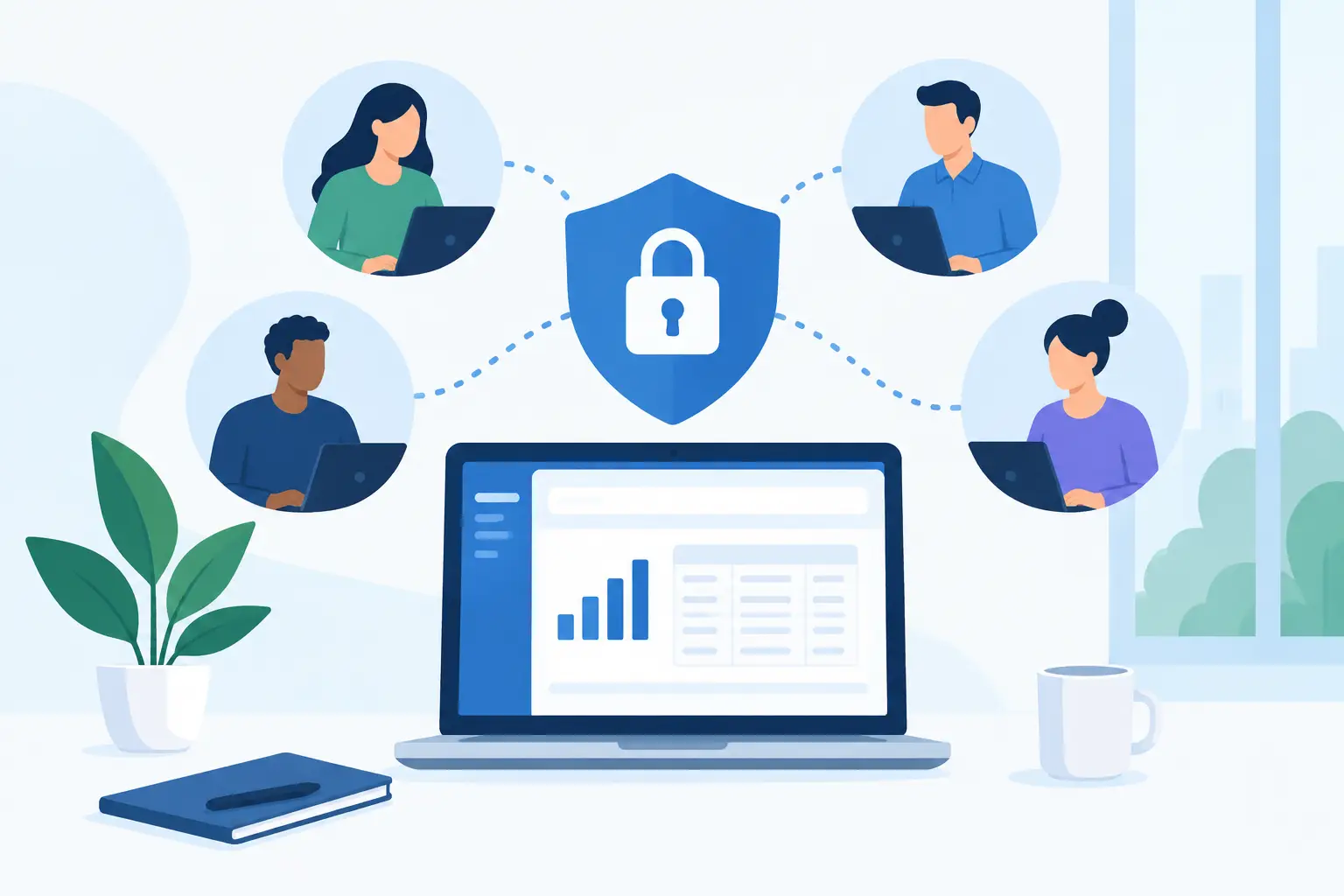
A new bookkeeper needs to reconcile expenses. A project manager needs to check job costs. Your outside accountant needs month-end reports. The fastest response is often to hand over one shared login, but that removes the record of who did what. To share accounting access securely, give each person only the access they need and keep every financial action tied to a real user.
This is not about making daily work harder. It is about letting your team invoice customers, enter bills, track inventory, and review project earnings without giving everyone the keys to your bank details, accounting settings, or company records.
Start With Roles, Not Usernames
Before inviting anyone into your accounting system, write down the work they actually perform. A receptionist may create customer invoices. A warehouse manager may record inventory movements. A bookkeeper may categorize expenses and reconcile transactions. Those jobs require different access.
The best permission setup follows the principle of least privilege: each user receives the lowest level of access that still lets them complete their work. It sounds formal, but it is a practical way to reduce mistakes. Someone who only needs to enter bills should not be able to change payment settings, delete historical transactions, or invite more users.
For many small businesses, four access groups are enough: owners or administrators, accounting staff, operational managers, and limited or report-only users. Your exact structure depends on how your business runs. A service company may give project managers visibility into project costs and profitability, while a trading company may need inventory staff to adjust quantities without access to customer payment information.
Avoid creating roles around job titles alone. “Manager” can mean very different things in different departments. Build access around tasks such as creating invoices, approving bills, viewing reports, recording inventory adjustments, or managing users.
Separate Financial Entry From Financial Approval
A secure accounting process should not depend on one person entering, approving, and paying the same transaction. That arrangement is convenient until an error, duplicate bill, or unauthorized payment slips through.
Use a simple separation of duties where your team size allows it. One person can enter a vendor bill, another person can review the supporting document, and an owner or finance manager can approve payment. The same thinking applies to customer credits, refunds, inventory write-offs, and changes to bank or payment details.
Small teams may not have enough people for a formal approval chain on every transaction. In that case, focus on higher-risk actions. Require review for larger payments, new vendors, refunds, unusual journal entries, and changes to company-level settings. A $35 office supply expense does not need the same control as a $12,000 payment to a new supplier.
Set approval thresholds that match your business. For example, a department lead may approve routine expenses up to a defined amount, while larger purchases require owner approval. Revisit those thresholds when your cash flow, staffing, or purchase volume changes.
Use Individual Logins and Strong Sign-In Controls
Shared credentials create two problems at once: they make access less secure and make activity harder to trace. If three people use the same login, you cannot quickly confirm who changed an invoice, exported a report, or removed a document.
Give every employee, contractor, accountant, and advisor their own user account. Then remove access as soon as their work ends or their responsibilities change. This matters for temporary staff as much as full-time employees. A former contractor should not retain access simply because their account was easy to forget.
Strong, unique passwords are the baseline. Multi-factor authentication adds a second check, such as a code from an authentication app, and helps protect accounts even if a password is exposed. Make it a required practice for administrators and anyone with access to payments, financial reports, customer records, or user settings.
Do not send passwords in email, chat, or text messages. If a new user needs help getting started, send an invitation through the accounting platform and let them create their own credentials. This keeps the onboarding process cleaner and reduces the chance of credentials being copied into an inbox or personal device.
Keep Sensitive Actions Behind Tighter Controls
Not every part of an accounting platform carries the same risk. Invoices and expense entries are part of daily operations. Bank details, payment permissions, tax settings, user management, and company data exports deserve more protection.
Administrators should be limited to a small number of trusted people. They can usually add users, change permissions, update company information, and access sensitive settings. Too many administrators makes it easy for a well-meaning employee to make a change that affects the whole business.
Pay close attention to exports. Financial reports, customer lists, vendor records, and transaction data can be useful for legitimate work, but they can also expose sensitive information outside the system. If someone only needs to review a report, view-only access may be safer than permission to download or modify data.
Your payment process may involve separate tools for bank access, payment cards, or payroll. Keep those logins separate from your accounting software whenever possible. Accounting access should not automatically mean authority to move money.
Review Activity Before Small Problems Grow
Permissions should not be set once and forgotten. Businesses change quickly. A staff member takes on new responsibilities, a manager leaves, or an outside accountant finishes a project. Regular reviews keep access aligned with real work.
At least once a quarter, review your user list and ask three questions: Does this person still need access? Is their current role broader than necessary? Have they used their account recently? A monthly review may make more sense if you work with frequent contractors, seasonal employees, or multiple locations.
Activity records are especially useful when something does not look right. If an invoice total changes, an expense is deleted, or inventory numbers suddenly move, you need to know what changed and when. Individual user accounts make that review possible without turning routine work into a guessing game.
Use the same discipline for documents. Receipts, bills, purchase orders, and customer attachments should be stored with the related transaction when possible. That gives reviewers the context they need and reduces the time spent searching through email attachments during month-end.
Create a Simple Access Process for Your Team
Security works best when people can follow it without slowing down. Write a short internal process for adding, changing, and removing access. It does not need to be a long policy document. It needs to answer who requests access, who approves it, which role is assigned, and who removes it when the person leaves or changes jobs.
For new employees, provide the minimum role first. Expand access after they have completed training and their responsibilities are clear. For outside accountants, provide access for the engagement and review it when the work is complete. If they need reports only, do not give them permission to edit daily transactions.
A practical access checklist can include these four controls:
- Create an individual user account, never a shared login.
- Assign the role based on tasks, not seniority or job title.
- Turn on multi-factor authentication for sensitive access.
- Review and remove access on a regular schedule and during offboarding.
Cloud accounting software can make this process easier because the right people can work from the office, a job site, or home without passing files back and forth. In MyCloudBook, multi-user company access helps teams work in one organized financial system while keeping responsibilities clear. The useful part is not simply adding more users. It is giving each user a defined place in the workflow.
Train for the Mistakes That Actually Happen
Most access problems are not caused by sophisticated attacks. They start with a rushed employee approving an unfamiliar request, a password reused across services, or a former team member whose access was never removed.
Give users a short, practical briefing when they receive access. Show them how to recognize suspicious password-reset messages, where to store receipts, which changes require approval, and who to contact if a vendor requests new payment details. Remind staff that urgent requests involving payment changes should be verified through a known phone number or existing contact, not by replying to the request itself.
Also make reporting easy. Employees are more likely to speak up when they know a mistaken click or suspicious email will be handled quickly and without blame. Early reporting can prevent a small issue from becoming a payment problem or a month-end cleanup project.
Secure access is not a one-time setup. It is a working habit that gives your team room to do their jobs while protecting the records that guide every business decision. Start with one role review this week, remove access that is no longer needed, and make the next user invitation more intentional than the last.