
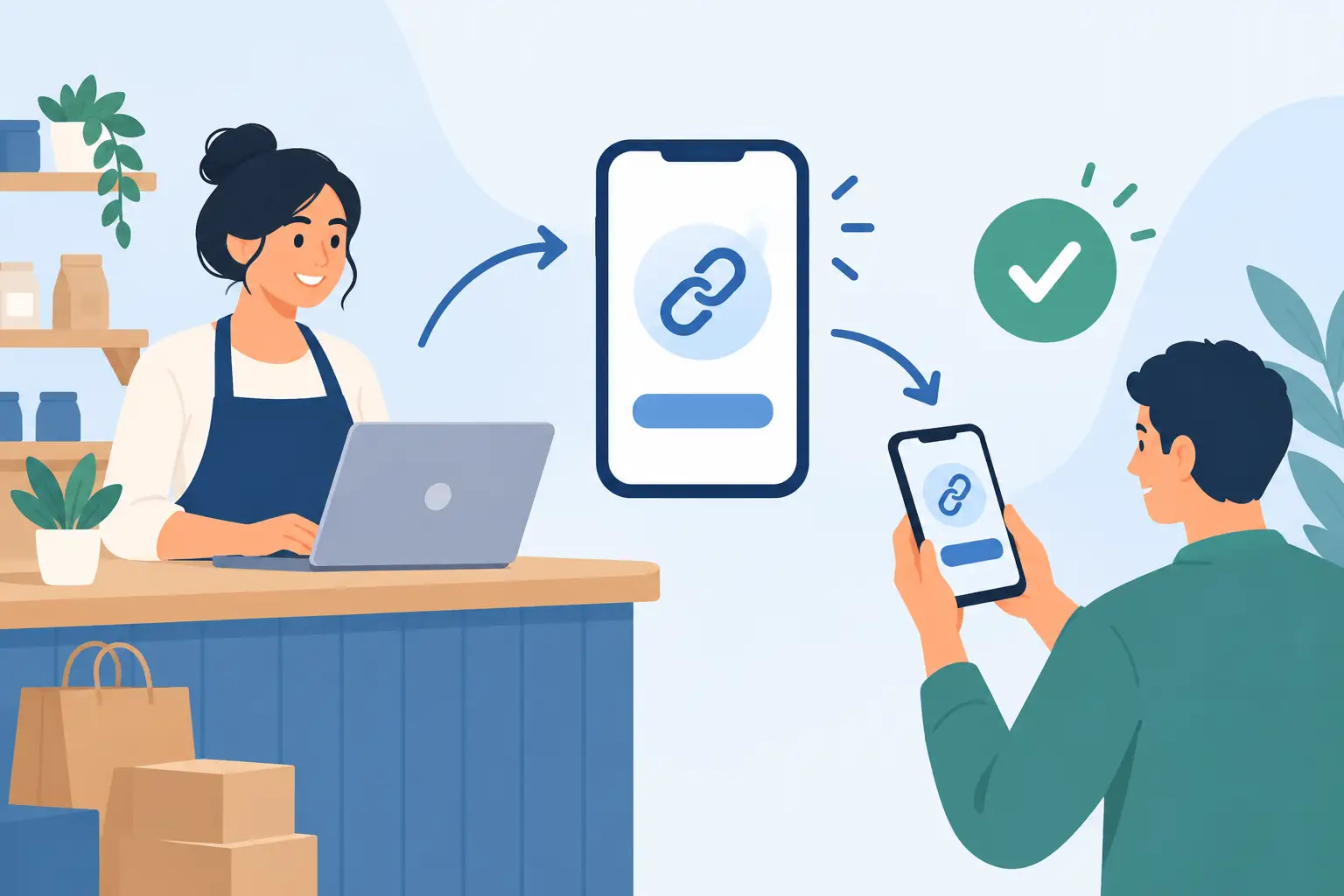
A customer says they will pay "this afternoon," but the invoice is buried in an email thread and the check may not arrive for another week. A payment link removes that extra step. Understanding how payment links work helps small businesses give customers a direct, convenient way to pay while keeping the payment connected to the right sale, invoice, or project.
For a business owner, the value is practical: fewer payment follow-ups, less manual data entry, and a clearer view of cash coming in. Payment links are not a replacement for every payment process, but they can make routine collections much easier.
What Is a Payment Link?
A payment link is a unique web address that takes a customer to a secure online checkout page. The customer opens the link on a phone, tablet, or computer, reviews the amount due, chooses an available payment method, and completes the transaction.
You can send a link in an invoice email, a text message, a customer portal, or even add it to a quote after a customer approves the work. Some businesses also display a QR code that opens the same checkout page. The link can be created for a specific invoice, a fixed product or service, a deposit, or a customer-entered amount, depending on the payment provider and your workflow.
The important distinction is that a payment link is not simply a request to send money. It is a checkout path with payment details already prepared. That reduces the chance that a customer pays the wrong amount or forgets what the payment is for.
How Payment Links Work From Creation to Reconciliation
The process starts when you create a payment request in your accounting, invoicing, or payment system. If the link is tied to an invoice, the system typically includes the invoice number, customer name, amount due, due date, and a description of the goods or services.
The system then generates a unique URL. You send that URL to the customer through the communication channel that makes sense for the relationship. For example, a contractor may text a deposit link after discussing a job, while a business-to-business supplier may include the link in a formal invoice email.
When the customer opens the page, they can pay using the methods your provider supports. These may include credit cards, debit cards, bank transfers, digital wallets, or other options. Before the payment is accepted, the provider processes the transaction through its security and authorization checks.
After approval, both sides receive confirmation. The customer sees a receipt or confirmation screen, and your business receives a notification that the payment was successful. If the payment link is connected to the original invoice, the invoice can be marked paid automatically or prepared for review, depending on the software settings.
Finally, the payment needs to be reconciled. This means matching the customer payment recorded in your system to the deposit that reaches your bank account. Card and payment-processing fees, timing differences, refunds, and chargebacks can affect the final deposited amount. Keeping this step organized prevents your books from showing an invoice as unpaid when the customer has already paid, or showing more cash than actually arrived in the bank.
Where Payment Links Help Most
Payment links work especially well when the customer needs an easy way to pay without signing into a separate account or calling your office. They are useful for service invoices, deposits, recurring ad hoc charges, late balances, project milestones, and sales made away from a desk.
A consulting firm, for example, can send a link for a 50% project deposit as soon as a proposal is accepted. A repair company can send a payment link after a technician completes a job. A wholesale business can include a link with an invoice so the accounts payable contact has a clear payment route and reference number.
They can also improve collection speed because the customer can act immediately. The invoice does not need to be printed, mailed, manually entered into a banking portal, or paid by phone. Convenience does not guarantee faster payment in every case, especially when a customer's approval process is slow, but it removes friction you can control.
Payment Links and Invoices Are Better Together
An invoice records what was sold, the amount owed, payment terms, tax details, and the customer relationship. A payment link gives the customer a way to settle that invoice. One should not replace the other when your business needs clean records, clear documentation, and reliable reporting.
For smaller, one-time transactions, a standalone payment link may be enough. For larger jobs, inventory sales, project billing, or work with payment terms, attaching the link to an invoice is usually the stronger process. It gives the customer context and gives your team an audit trail.
This connection also helps with reporting. When an invoice is linked to a payment, you can see which customers have paid, which balances are overdue, and how much revenue has been collected for a project or period. That visibility matters when you are planning purchases, paying vendors, or checking whether a project is profitable.
What to Check Before You Send a Link
A payment link should be easy for the customer, but your process behind it should still be controlled. Start by confirming that the amount, customer, invoice number, and payment terms are correct. Once a customer receives a link, correcting an error can create confusion and delay payment.
Use a provider with appropriate payment security controls and make sure customers can recognize your business on the checkout page. A branded invoice, accurate business name, and clear description help customers feel confident that the request is legitimate. This is particularly important because payment scams have made many customers cautious about unexpected links.
Also decide who on your team can create links, issue refunds, void invoices, and view payment information. A business with multiple users should use role-based access where available rather than sharing one login. Keep customer communications and payment records in the same organized system whenever possible.
Processing fees and payment timing deserve attention as well. Card payments may cost more than bank-based methods, while bank transfers can take longer to clear. The best option depends on the invoice amount, customer preference, urgency, and your margins. You may choose to offer more than one option, but make sure your policies are clear and consistently applied.
Common Payment Link Problems and How to Avoid Them
The most common issue is sending a link without enough context. A customer who receives only a payment request may ignore it, particularly if the amount is unfamiliar. Include the invoice number, service or product description, due date, and a contact method for questions.
Expired links can cause another avoidable delay. If your provider sets expiration dates, make them long enough for your normal payment terms, or know how to issue a replacement quickly. For deposits and limited-time offers, a shorter expiration may be appropriate.
Duplicate payments are possible when a customer pays through a link after mailing a check or making a bank transfer. Your team should review payment activity before sending reminders or processing refunds. Clear internal notes and current invoice statuses make this easier.
Chargebacks require care, too. Maintain the signed proposal, invoice, delivery confirmation, customer communications, and refund policy. If a customer disputes a card payment, these records can help you respond accurately. They also help you identify whether the issue was a billing mistake, an unclear description, or a service concern that needs direct resolution.
Keep Payment Data Useful After the Customer Pays
The real benefit of payment links is not just collecting money online. It is turning each payment into usable financial information. When payment activity flows into your bookkeeping process, your team can track open invoices, monitor cash flow, follow up on overdue balances, and compare payments with bank deposits.
For businesses handling projects, inventory, or multiple team members, the details matter. A payment should be associated with the right customer, job, invoice, and income account. That makes it easier to calculate project earnings, review sales performance, and answer questions without searching across emails, spreadsheets, and bank statements.
MyCloudBook supports the operational side of this work by bringing invoices, payments, expenses, projects, documents, and reporting into one cloud-based workspace. The goal is not to add another task to your day. It is to make each payment easier to find, verify, and use when making business decisions.
A payment link works best when it is part of a consistent collection routine: send a clear invoice, provide a simple way to pay, record the result, and review what is still outstanding. That routine gives customers less reason to delay and gives your business a more dependable picture of its cash flow.