
A supplier sends an invoice for $4,800, but no one remembers approving the order, what price was agreed, or whether the items were received. That is usually the moment a business starts asking when to use purchase orders. A purchase order creates a clear record before money is committed, helping your team control spending without turning every small purchase into paperwork.
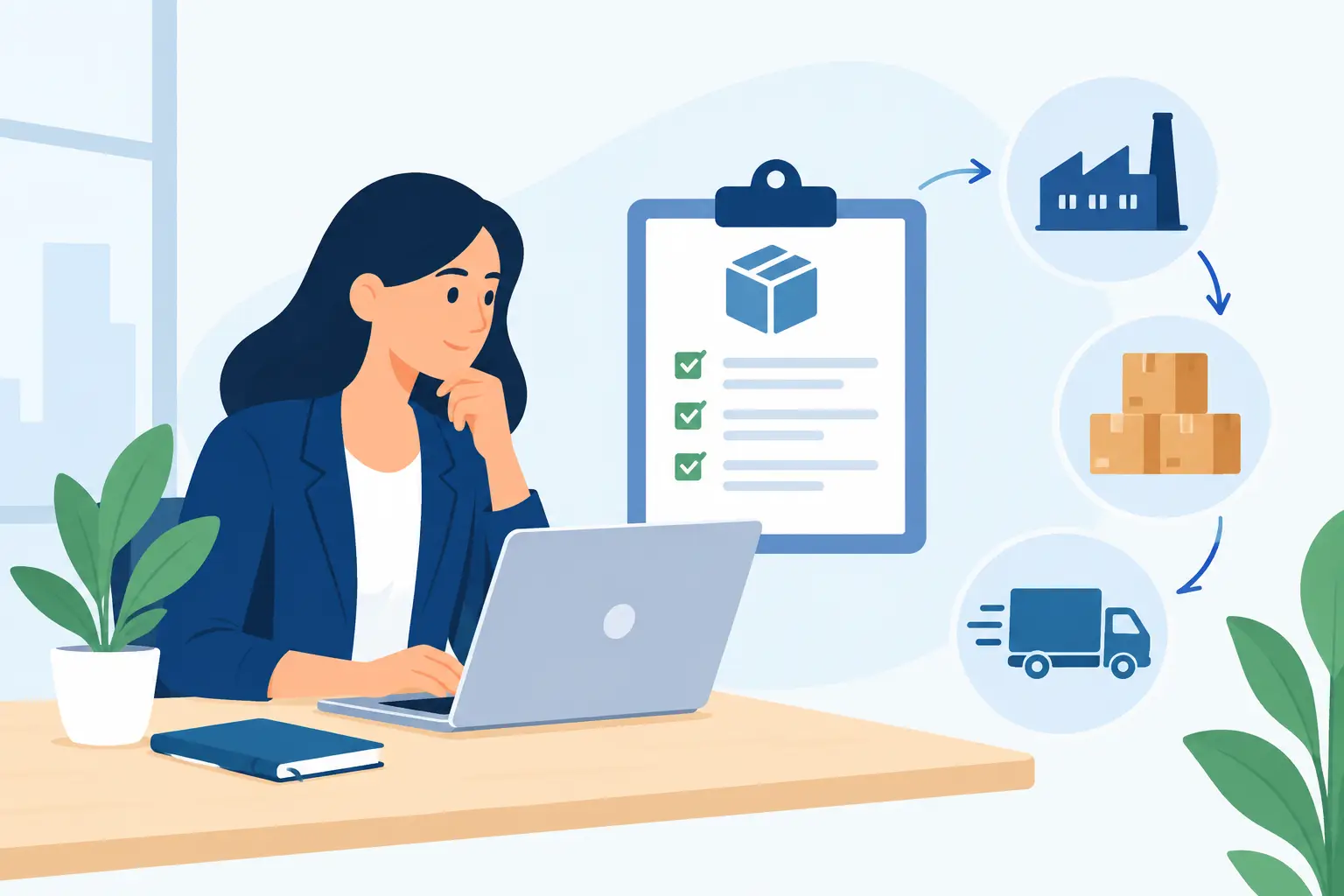
For growing businesses, purchase orders are less about formality and more about keeping everyday operations organized. They connect the request to buy, the supplier order, the goods or services received, and the bill that must be paid. Used well, they reduce surprises, protect cash flow, and give owners a better view of what the business has committed to spend.
What a Purchase Order Does
A purchase order, often called a PO, is a document a buyer sends to a vendor to request goods or services. It typically lists the vendor, item or service description, quantities, agreed prices, delivery date, payment terms, and a unique PO number.
Once a vendor accepts it, the purchase order becomes a useful reference for both sides. Your team knows what was authorized. The vendor knows what to deliver and how much to charge. When the bill arrives, the person responsible for payment can compare it with the original order instead of relying on memory or scattered email threads.
A PO is not the same as a vendor bill. The purchase order records an expected future cost. The bill records what the vendor says you owe. Keeping those steps separate makes it easier to see outstanding commitments before they affect your bank balance.
When to Use Purchase Orders
The right rule is not to create a purchase order for every coffee run or routine office supply purchase. The better approach is to use POs when the cost, risk, timing, or inventory impact makes advance approval valuable.
Use POs for larger or non-routine purchases
A new computer, a bulk material order, outside consulting work, or a replacement piece of equipment can affect your budget quickly. A PO makes the total cost visible before the order is placed and confirms who authorized it.
Set a purchase threshold that matches your business. A small company may require approval for purchases above $500. A larger operation may set different limits by department, project, or employee role. The goal is not to slow good decisions. It is to make sure meaningful spending has a clear owner.
Use POs when buying inventory
Inventory businesses benefit from POs because they create a direct trail from the expected stock order to the inventory received. This helps your team check whether the supplier delivered the right products and quantities.
For example, if you order 200 units but receive 185, the purchase order gives your receiving team a clear standard to check against. You can follow up on shortages before approving the vendor bill. It also makes it easier to plan reorder timing and understand inventory costs.
Use POs for project-related costs
Service businesses and contractors often buy materials, subcontractor labor, equipment rentals, or travel specifically for a client job. Creating a PO for these costs helps you assign spending to the correct project from the start.
That matters when you need to calculate the profits and costs of your project. If expenses are entered later without a project reference, a job may look profitable until the final bills arrive. A PO gives the operations team, project manager, and bookkeeper one shared record of what was planned.
Use POs when several people can buy
As a business adds employees, purchasing can become difficult to monitor. One team member may order supplies, another receives them, and a third processes the bill. Without a standard process, duplicate orders and unexpected invoices become more likely.
A PO gives each person a defined role. An employee requests a purchase, a manager approves it, the vendor receives the order, and accounting matches the bill before payment. This does not require a large finance department. Even a three-person team can use a simple approval process to avoid confusion.
Use POs for vendors with recurring work or custom terms
If you regularly order from the same supplier, purchase orders keep recurring transactions consistent. They document negotiated pricing, delivery expectations, and payment terms for each order.
They are especially useful for custom products, made-to-order materials, or services billed in stages. These purchases may have deposits, partial deliveries, or changing requirements. A detailed PO reduces the chance of paying for work that was not agreed upon.
When a Purchase Order May Not Be Necessary
Purchase orders add control, but they do take time. Requiring one for every minor expense can create delays and encourage employees to work around the process.
Small, predictable purchases are often better handled through a company card policy, a recurring vendor arrangement, or a preapproved spending limit. For example, monthly software subscriptions, standard shipping costs, and low-cost office supplies may not need an individual PO if they are already budgeted and monitored.
The key is consistency. Define what is exempt, who can make exempt purchases, and how receipts or bills must still be recorded. A policy that is easy to follow is more useful than a detailed policy nobody uses.
Build a Purchase Order Process Your Team Will Follow
Keep the workflow simple enough for daily use. A good process starts with a purchase request that explains what is needed, the expected cost, the vendor, and the related department or project. The appropriate person approves it before an order is sent.
Next, issue the PO to the vendor and save it where your team can find it. When goods arrive or work is completed, confirm the quantity and condition. Finally, compare the vendor bill with the PO and receiving record before scheduling payment.
This comparison is often called three-way matching: purchase order, receipt of goods or services, and vendor bill. It is most valuable for high-value inventory, equipment, and project purchases. For a small service purchase, a two-way check between the PO and bill may be enough.
Your approval rules should reflect how your business actually operates. Owners may approve all larger purchases at first. As the company grows, department managers can approve spending within set limits, while finance reviews exceptions. Keep a record of changes so employees know which rules apply.
What to Include on Every PO
A complete purchase order prevents follow-up questions later. Include a unique PO number, vendor name, order date, contact information, item or service details, quantities, unit prices, taxes or shipping charges, total amount, payment terms, and expected delivery date.
For project work, include the project name or job number. For inventory, include the relevant item codes or product descriptions. If the supplier has quoted a specific price, reference the quote number. These details make it much easier to match bills, investigate discrepancies, and review spending by vendor or project.
Cloud accounting software can keep purchase orders, bills, inventory movements, receipts, and project costs in one place rather than across spreadsheets and inboxes. In MyCloudBook, teams can organize supporting documents and track financial activity alongside the operational records that explain each transaction.
Common Purchase Order Problems to Avoid
The most common problem is creating a PO after the purchase has already been made. At that point, it may help with recordkeeping, but it cannot provide advance approval or prevent an unplanned commitment.
Another issue is leaving POs open indefinitely. If an order is canceled, fully received, or no longer expected, update its status. Open purchase orders should represent real commitments, not old records that make future spending look higher than it is.
Also watch for price differences. A vendor bill may include freight, taxes, substitutions, or a price increase that was not part of the PO. Some differences are valid, but they should be reviewed rather than approved automatically. That small pause can protect margins and keep vendor conversations straightforward.
A purchase order process works best when it gives your team enough control to prevent surprises while allowing routine work to move quickly. Start with the purchases that create the greatest financial risk, make the approval path clear, and adjust the rules as your business grows.