
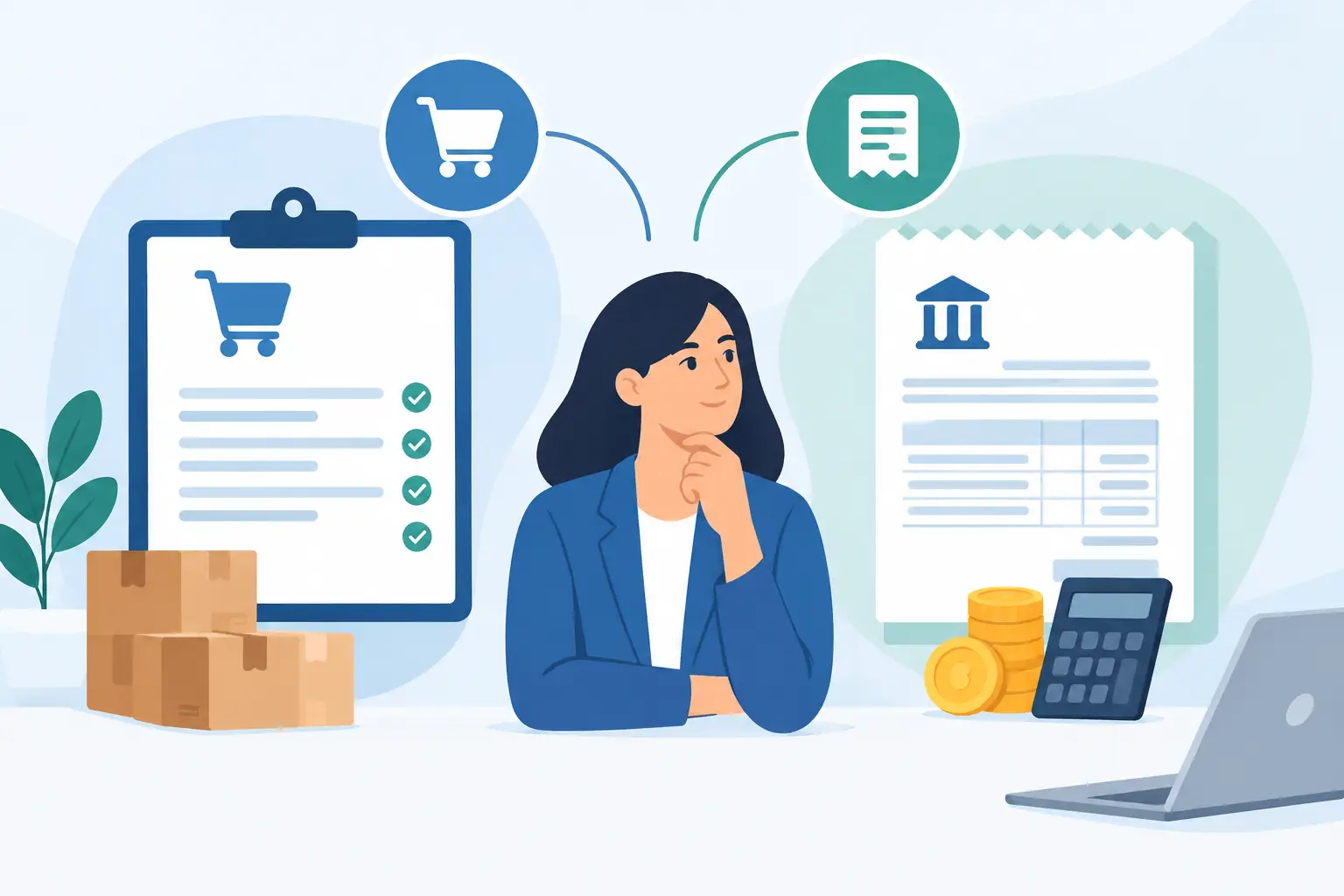
A $4,800 supplier invoice arrives, but nobody remembers approving the purchase. Was the price agreed to? Did the shipment arrive? Is it for this month’s job or a project that closed weeks ago? Clear purchase orders versus vendor bills workflows answer those questions before they become expensive problems.
For a growing business, these documents are not interchangeable paperwork. A purchase order controls what your team intends to buy. A vendor bill records what a supplier says you now owe. Used together, they give owners, bookkeepers, and operations teams a reliable view of committed spending, received goods, and upcoming cash requirements.
What is a purchase order?
A purchase order, often called a PO, is a document your business sends to a vendor before a purchase is made. It states what you want to buy, the quantity, agreed price, delivery terms, payment terms, and the person or department requesting it.
Think of the PO as a spending authorization and a purchasing record. Once a vendor accepts it, the document can also serve as a binding agreement, depending on its terms and the applicable state law. Your team should not treat every PO as a legal contract automatically, but it is still a meaningful operational commitment.
A well-prepared PO usually includes a PO number, vendor name, order date, item descriptions, quantities, unit prices, taxes or freight where applicable, and the expected delivery date. It can also identify a project, location, customer job, or cost center. Those details make it much easier to understand where money is going later.
What a PO helps you control
A purchase order answers the question: “Are we authorized to make this purchase?” It gives a manager the opportunity to approve spending before an employee places an order. This matters when several people buy supplies, inventory, subcontractor services, or equipment on behalf of the business.
For inventory-based companies, POs also help forecast stock arrivals and open commitments. For service businesses, they can tie material purchases, outside labor, and job costs to the right project before the invoice appears. The result is better project profitability visibility, not just a cleaner filing system.
What is a vendor bill?
A vendor bill is the invoice a supplier sends after providing goods or services, or according to the billing schedule you agreed upon. It tells your business how much is due, when payment is due, and what the charge covers.
When you enter a vendor bill in your accounting system, you create an accounts payable record. That record increases the amount your business owes and places the expense, inventory value, asset cost, or project cost in the appropriate period. Paying the bill later reduces accounts payable and cash.
A vendor bill should include the vendor’s invoice number, bill date, due date, line items, quantities, prices, taxes, payment instructions, and any reference to the related PO. The vendor’s invoice number is especially important because it helps prevent duplicate payments.
A bill is not proof that the purchase was approved or that every item was received correctly. It is a request for payment. Before approving it, your team should verify that the charge is legitimate, accurate, and supported by the work or goods received.
Purchase orders versus vendor bills: the practical difference
The simplest difference is timing. A purchase order comes first, before the purchase is fulfilled. A vendor bill comes later, after the vendor invoices your business.
The accounting effect is different too. Creating a PO generally does not post an expense or increase accounts payable because no bill is due yet. It records an expected commitment. Recording a vendor bill affects your books because it recognizes an amount owed.
They also serve different decisions. A PO helps a manager decide whether spending should happen. A bill helps the accounting or accounts payable team decide whether the vendor should be paid. One document looks forward; the other confirms a payable that must be reviewed and scheduled.
Consider a wholesale distributor ordering 200 units of a product at $25 each. The purchasing manager creates a PO for $5,000. When the vendor ships 150 units, the receiving team confirms the quantity. The vendor then bills for 150 units, plus approved freight. The bill should be checked against the PO and receiving information before payment. The remaining 50 units may be billed later, depending on the arrangement.
That process protects the business from paying for 200 units when only 150 arrived. It also shows that a PO amount and a bill amount do not always match exactly for valid reasons, such as partial shipments, freight, tax, price changes approved in advance, or quantity adjustments.
Why matching matters before payment
The strongest control is often called three-way matching: comparing the purchase order, receiving record, and vendor bill. The PO confirms what was authorized. The receiving record confirms what arrived or what work was completed. The bill confirms what the vendor is charging.
Small businesses do not need to create a complicated approval process for every purchase. A recurring $35 software subscription does not need the same review as a $20,000 equipment order. The goal is to apply the right level of control to the level of risk.
For higher-value purchases, inventory orders, project materials, and new vendors, matching can prevent common issues: duplicate bills, incorrect unit prices, missing goods, unauthorized purchases, and payment for work that was not completed. It also gives your team a clear reason to hold a bill when something is wrong rather than rushing payment because the due date is near.
If your vendor does not provide a formal receiving document, use a simple internal confirmation. A warehouse employee can confirm quantities received, while a project manager can confirm that subcontractor work met the agreed scope. Store that confirmation with the related documents so the accounting team does not have to search through emails later.
When you may not need a purchase order
Not every expense requires a PO. Creating one for every coffee run, utility payment, or predictable monthly subscription can add work without improving control. In those cases, the vendor bill or bank transaction may be enough, provided the expense is reviewed and coded correctly.
Purchase orders are most useful when spending is planned, material, variable, or handled by people outside the finance team. They are also valuable when you need to track inventory, bill costs to a customer project, compare quotes, or manage multiple locations.
Many businesses set a PO policy based on dollar thresholds and categories. For example, they may require POs for inventory purchases, capital equipment, subcontractors, and any non-recurring purchase over a set amount. The right threshold depends on your purchasing volume, team size, and cash position.
Build a workflow your team will actually follow
A good process should be clear enough that employees can use it without asking the bookkeeper what to do every time. Start with the purchase request. The requester identifies the vendor, items, cost, business purpose, and project or department if relevant. An authorized person reviews the request and approves the PO before the order is sent.
When goods or services arrive, record what was received. Then enter the vendor bill and attach the invoice, PO, receipt, or supporting document in one place. Compare the key details, resolve exceptions, and schedule payment based on the due date and your cash flow plan.
Assign ownership at each step. Operations may create POs and confirm delivery. Project managers may approve job-related costs. The bookkeeper may enter bills and manage coding. A business owner or finance manager may approve larger payments. Separating these duties is helpful, but small teams can still create a practical review process with clear approval limits.
Use consistent document numbers and vendor names. If one employee enters “ABC Supply Co.” and another uses “A.B.C. Supplies,” reporting and duplicate checks become harder. The same applies to project names and inventory items. A little consistency at entry saves considerable cleanup at month-end.
Keep cash flow and reporting connected
Open POs show anticipated spending. Unpaid vendor bills show actual obligations. Looking at both gives a more useful cash picture than reviewing the bank balance alone.
For example, a business may have $30,000 in the bank and only $8,000 of unpaid bills. That sounds comfortable until the team sees $18,000 in approved inventory POs scheduled for delivery next week. The PO is not yet an accounts payable balance, but it is still a commitment that should inform purchasing and payment decisions.
This visibility is especially valuable for project-based businesses. If material POs and vendor bills are connected to the correct project, managers can compare estimated costs with actual costs while the work is still underway. They can address a margin problem before the final customer invoice is issued.
Cloud accounting software can make this process easier by keeping POs, vendor bills, document attachments, inventory movements, and project records together. In MyCloudBook, teams can track expenses and bills alongside inventory and project earnings, helping the right people review the right records without passing paper files between departments.
Common mistakes to avoid
The biggest mistake is treating a vendor bill as automatic approval for payment. A bill can be accurate and still require a check against what was ordered and received. Another common issue is recording a bill only when cash leaves the bank. That can hide outstanding obligations and make month-end reporting less reliable.
Businesses also lose control when staff create POs after the fact just to satisfy a process. A PO created after an order is placed cannot prevent unauthorized spending. It may still improve recordkeeping, but it does not provide the original approval control.
Finally, do not let small mismatches sit unresolved. A one-cent rounding difference may be harmless. A $400 freight charge, a changed price, or an unreceived line item deserves attention. Create rules for acceptable variances so the team knows when to pay, when to request a credit, and when to escalate the issue.
The best purchasing process is not the one with the most steps. It is the one that lets your team approve spending early, confirm what arrived, pay accurate bills on time, and see what those decisions mean for cash flow and profitability.