
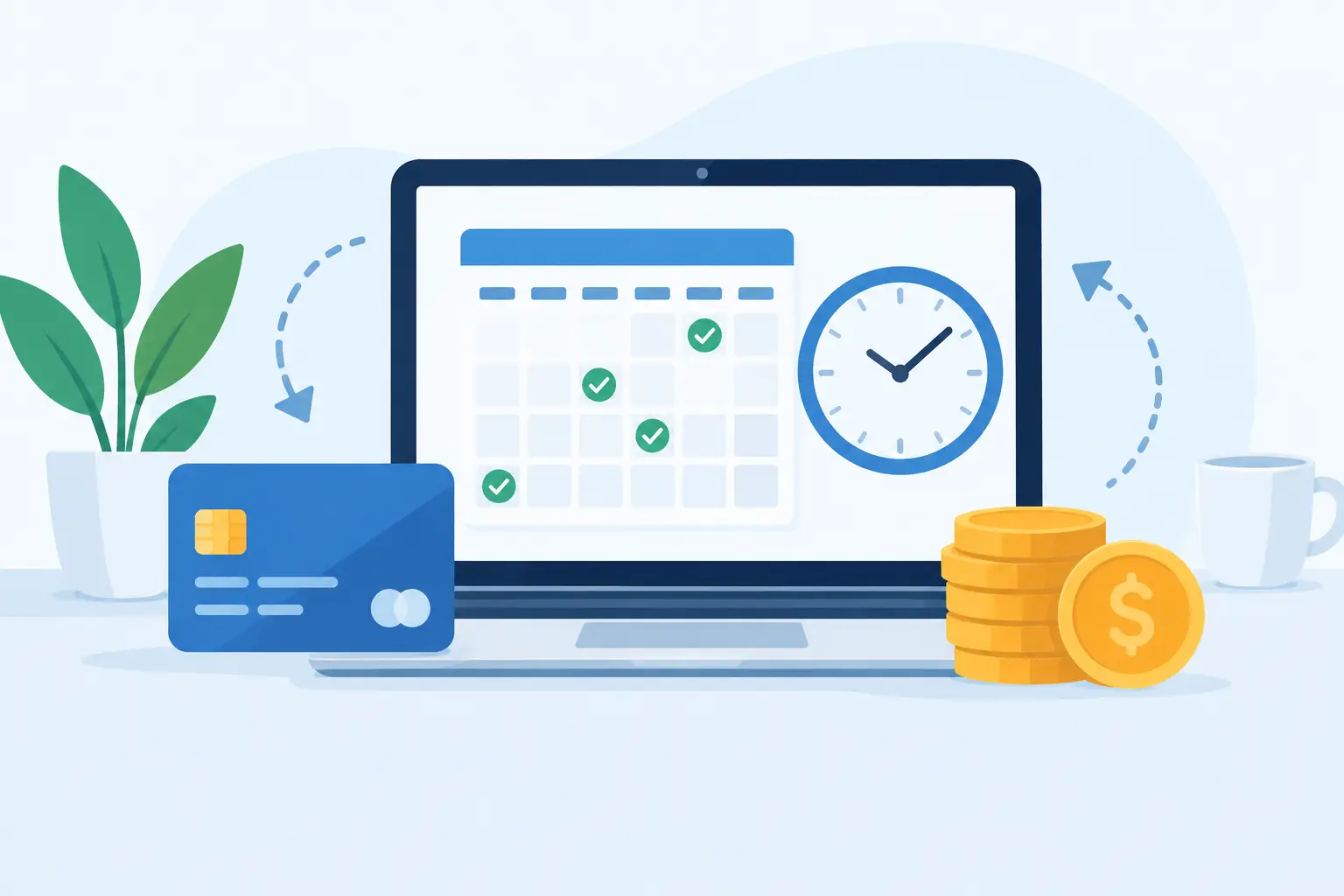
A vendor payment that slips by two days can create more than a late fee. It can delay a shipment, strain a supplier relationship, or leave your team scrambling to explain why an approved bill was not paid. Payment scheduling tools businesses use help turn that uncertainty into a clear routine: know what is due, who needs to approve it, and when money should leave the account.
For small and medium-sized businesses, the goal is not to add another complicated system. It is to make daily payment work easier to manage. The right process gives owners and finance teams a reliable view of upcoming obligations without forcing them to chase emails, paper invoices, and spreadsheet reminders.
What payment scheduling tools should solve
Payment scheduling starts before the payment date. A useful tool needs to capture the bill, record the due date, identify the vendor, and show the amount in the context of available cash. It should also make it easy to confirm whether a bill is awaiting approval, scheduled for review, or already paid.
This matters because a due date alone does not tell the whole story. A $12,000 inventory invoice due Friday has a different impact than a $250 software subscription due the same day. When every bill is visible in one place, your team can prioritize essential payments, preserve working capital, and avoid last-minute decisions.
For businesses with multiple people involved, scheduling also creates accountability. An operations manager may confirm that goods arrived, a department lead may approve the cost, and a bookkeeper may prepare the payment. A shared workflow shows where the bill is waiting instead of leaving everyone to guess.
Why payment scheduling tools for businesses improve cash control
Cash flow problems are often visibility problems. A company may look profitable on paper while still facing a tight week because payroll, rent, vendor bills, and project expenses are all due at once. Payment scheduling gives those upcoming commitments a place in the operating picture.
That visibility helps teams make better choices. If a customer payment is expected next Tuesday, a manager may schedule a nonurgent vendor bill for later in the week. If a supplier offers an early-payment discount that is genuinely worthwhile, the team can act before the deadline. If cash is tight, the owner can contact the vendor early rather than miss the due date without communication.
There is a trade-off. Holding payments until the due date can protect cash, but it may not be the right choice for every supplier. Businesses that depend on a steady flow of inventory, subcontractors, or materials may benefit from paying key partners earlier. The best scheduling process supports deliberate decisions instead of applying one payment rule to every bill.
Separate due dates from payment dates
A bill due date is the vendor's deadline. A payment date is the date your business plans to release funds. Keeping these fields separate prevents confusion and supports better planning.
For example, a bill received on the first of the month may be due on the 30th. Your team might schedule it for the 27th to allow time for approval and bank processing. Or you may set an internal review date several days earlier so exceptions are handled before they become urgent.
This distinction is especially useful when payment methods have different processing times. ACH transfers, checks, cards, and international payments do not always move at the same speed. Your schedule should account for the time it takes the vendor to receive funds, not just the day your team submits a payment.
Build approvals into the routine
Approvals protect the business, but an approval process that lives in scattered emails can slow down every payment. A practical workflow assigns clear responsibility based on the type or amount of the bill.
A recurring utility bill may need only a quick review. A large equipment purchase may require approval from an owner or finance manager. Project-related expenses may need to be checked against the project budget before payment is released. These controls do not need to be complicated. They need to be clear and visible.
Set reasonable approval deadlines, too. If managers receive a payment list only on the morning bills are due, the process will remain reactive. A weekly review of upcoming payments gives decision-makers enough time to ask questions, approve costs, or adjust priorities.
Features that make a payment schedule usable
A payment schedule works best when it is connected to the financial records your team already uses. Re-entering invoice details into a separate calendar creates duplicate work and increases the chance of an error.
Look for a system that keeps vendor bills, expense documents, due dates, payment status, and reports together. The schedule should allow users to filter by date, vendor, company, department, project, or status. A bookkeeper may want to see all bills due this week, while an owner may need a broader view of total obligations for the month.
For many growing businesses, these capabilities are particularly useful:
- Bill records with due dates, payment terms, supporting documents, and a clear paid or unpaid status.
- Recurring bill workflows for predictable expenses such as rent, subscriptions, insurance, and contractor retainers.
- Role-based access so staff can enter bills while designated managers approve or review them.
- Cash flow and payable reports that show what is due now, what is due soon, and what has already been paid.
- Multi-company and multi-currency visibility for teams managing more than one entity, location, or international vendor relationship.
The details matter. A bill record should preserve the original invoice or receipt, not just an amount typed into a field. This makes reviews faster and gives the business a dependable audit trail when questions come up months later.
A simple payment scheduling process to put in place
Start by setting one standard for how bills enter the business. Bills received by email, mail, or vendor portal should be recorded promptly with the vendor name, invoice number, amount, and due date. Delayed entry is one of the biggest causes of rushed payments because the obligation is invisible until someone finds it.
Next, assign each bill to the right category, project, location, or inventory purchase. This step improves more than bookkeeping. It helps your business understand whether upcoming payments are tied to overhead, a profitable client project, inventory replenishment, or an unexpected cost.
Then create a review rhythm. Many businesses benefit from a weekly payables review, with a shorter daily check for urgent items. During the review, look at bills due in the next seven, 14, and 30 days. Confirm approvals, check available cash, and decide which payments should be prepared or held.
Finally, record the payment as soon as it is made and reconcile it against the bank activity. A schedule is only reliable when paid bills are marked correctly. Otherwise, your team may accidentally pay a vendor twice or spend time following up on an invoice that has already been handled.
Common mistakes to avoid
The first mistake is treating the schedule as a reminder list rather than a financial control. A reminder tells you that a bill is due. A useful schedule shows the amount, approval status, supporting document, payment plan, and business context.
The second is scheduling bills without checking cash timing. An approved payment can still create pressure if several large withdrawals are planned before customer receipts arrive. Review incoming and outgoing cash together, especially during seasonal swings or major inventory purchases.
The third is relying on one person to remember everything. Even a highly capable bookkeeper needs a shared system when they are out of the office, working remotely, or managing a heavier workload. Documented workflows and multi-user access protect the business from avoidable gaps.
MyCloudBook can help teams keep bills, expenses, documents, project costs, and financial reporting in one cloud-based workspace, making it easier to review obligations before they become urgent.
Choosing the right level of automation
Automation can save time, but it should match your actual workflow. Automatically creating recurring bills makes sense for fixed monthly costs. Automated reminders can help approvers act before deadlines. AI-assisted receipt and invoice capture can reduce manual data entry when your team handles a high volume of documents.
Still, not every payment should be fully automated. Variable vendor invoices, project change orders, and large purchases often need a person to review the amount and supporting details. The best setup automates repetitive administration while keeping meaningful financial decisions in the hands of the people responsible for them.
A dependable payment schedule is not about paying every bill as quickly as possible. It is about giving your business the time and information to pay the right bill, on the right date, with the right approval. Start with the bills due over the next two weeks, organize them in one shared view, and make that review a regular part of running the business.