
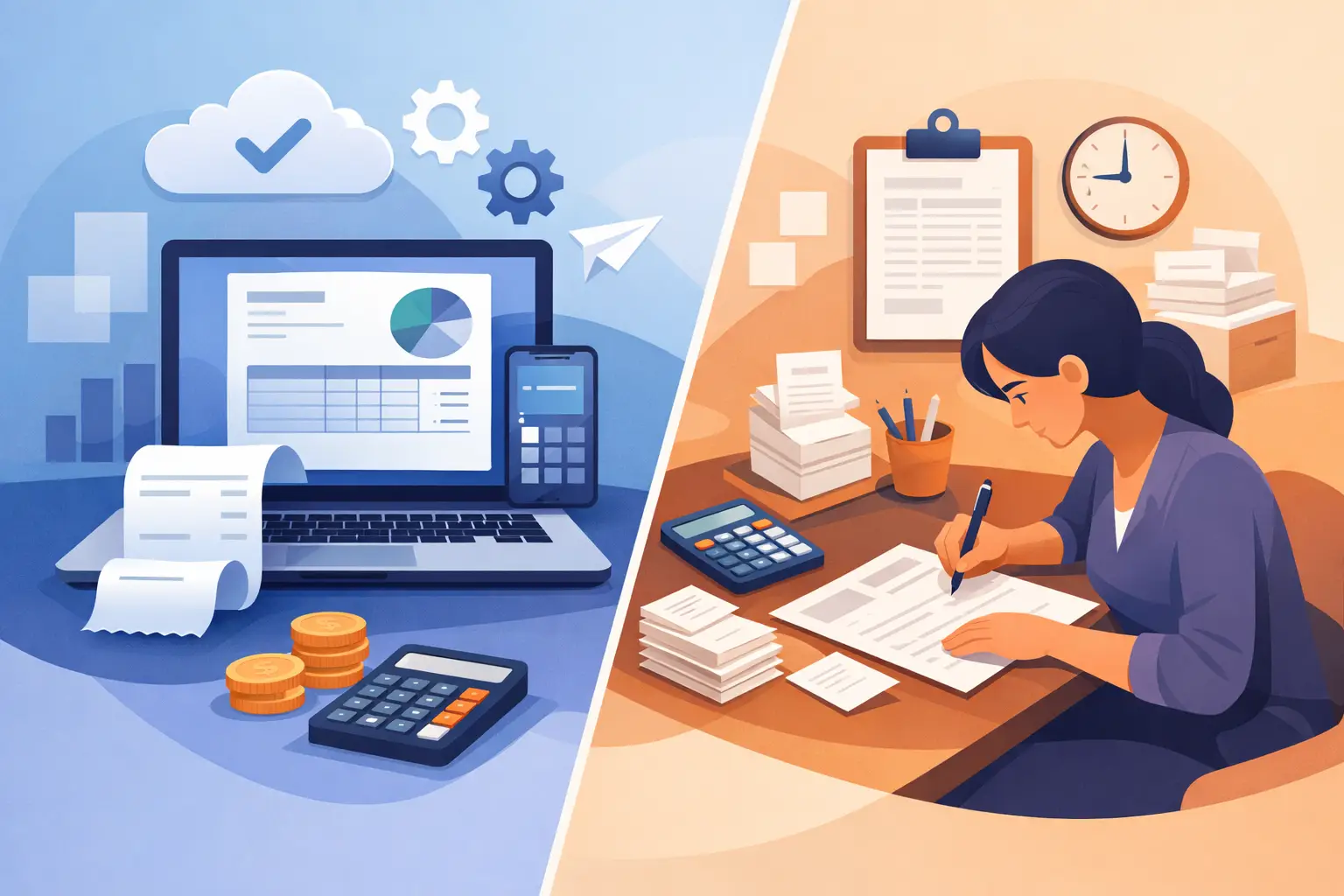
A customer says they never received an invoice. Another pays an old balance because the updated amount was sent in a separate email. Meanwhile, someone on your team is trying to find out which invoices are overdue before Friday payroll. This is where invoicing software vs manual billing becomes more than an administrative preference. It affects how quickly you get paid, how confidently you forecast cash flow, and how much time your team spends chasing basic answers.
For some small businesses, manual billing still works. For others, it creates a growing trail of spreadsheets, email attachments, copied customer details, and missed follow-ups. The right choice depends on your invoice volume, how many people touch financial records, the complexity of your work, and how much visibility you need between invoices, expenses, inventory, and projects.
What Manual Billing Handles Well
Manual billing usually means creating invoices in a spreadsheet, document template, or accounting form, then emailing PDFs to customers. You may track payment status in a spreadsheet, a notebook, an email folder, or a shared file. It is familiar, inexpensive to start, and can feel manageable when you send only a few invoices each month.
For a new consultant with three repeat clients, a manual process may be enough for a while. You can create a simple branded template, review each invoice personally, and keep the customer relationship close. There is also no new system to learn before sending the first bill.
The problem is not that manual billing is automatically wrong. The problem is that it depends on people remembering every step. Someone must enter the customer name, check the price, apply the correct tax or discount, save the file, send it, log the due date, watch for payment, follow up, and update the records. Each task is small. Together, they take time and leave room for errors.
Manual billing becomes especially difficult when several employees issue invoices, when customers have different payment terms, or when projects include changing costs and partial payments. A spreadsheet can record an invoice total, but it does not automatically show the operational story behind that number.
Invoicing Software vs Manual Billing: The Daily Difference
Invoicing software puts invoicing into a connected financial workflow. Instead of recreating the same customer details and calculations each time, your team works from saved records, repeatable document layouts, and a current view of invoice status. The value is not simply producing a nicer-looking invoice. It is reducing the work that happens before and after it is sent.
Speed without sacrificing control
With manual billing, speed often comes from copying a previous invoice and changing the details. That approach can also copy an old price, wrong address, or outdated payment terms. Software lets you create invoices from customer records and use consistent document settings while still reviewing each bill before it goes out.
This matters when your billing is not identical from one customer to the next. A service company may need to include hours, milestones, approved changes, or project references. A trading company may need product lines, quantities, discounts, and shipping information. Custom fields and branded document layouts can keep these details clear without forcing your team into a generic template.
A clearer view of unpaid money
An invoice is not finished when it is emailed. It is finished when the payment is recorded and the balance is accurate. In a manual process, overdue invoices can hide in sent-email folders or separate spreadsheets. It is easy to lose track of whether a customer paid in full, paid part of an invoice, or needs a reminder.
Software gives owners, bookkeepers, and operations teams one place to see open invoices, due dates, payment activity, and outstanding balances. That does not guarantee customers will pay faster, but it gives your team a faster way to act. You can identify what needs follow-up before a small overdue balance becomes a cash-flow problem.
Fewer disconnected records
Manual billing often creates duplicate data. Customer information lives in one file, invoice totals in another, expenses in a receipt folder, and project details somewhere else. Reconciling those records at month-end takes effort, especially when more than one person is involved.
A connected system can keep income, expenses, bills, payments, transfers, and supporting documents in the same financial workspace. If you bill by project, you can compare project income against its costs instead of estimating profitability from scattered files. If you sell or use stock, invoice activity can sit alongside inventory movements and adjustments.
This broader visibility is the key difference for many growing businesses. The question is no longer just, “Did we send the invoice?” It becomes, “Did this work generate a profit, do we have the inventory to fulfill the next order, and what money is expected this month?”
Team access and accountability
A manual process can work when one owner manages every invoice. It becomes risky when the owner is traveling, an office manager is out, or a bookkeeper needs information that only exists on one employee’s computer. Sending spreadsheet versions back and forth also makes it harder to know which file is current.
Cloud invoicing software allows approved users to work in the same company records from different locations. Access should still be controlled carefully, but shared visibility removes the need to ask one person for every invoice detail. This is useful for businesses where sales staff, project managers, administrators, and finance personnel all contribute to the billing process.
Better records for questions later
Customers, accountants, and internal teams all ask questions after an invoice is sent. Why was this amount charged? Which receipt supports this expense? Was this payment applied to the right invoice? Manual systems can answer these questions, but finding the proof may take longer than expected.
Software can attach documents to financial records and keep transactions organized by customer, project, or date. AI-assisted receipt capture can also reduce the time spent entering expense details from paper or image files. The goal is practical: less time searching and more confidence when you need to explain a number.
When Manual Billing May Still Be the Right Choice
Manual billing may remain reasonable if your business has very low invoice volume, a single person handles billing, and your pricing is simple. It can also be a temporary option while you validate a new business idea or serve a handful of reliable customers.
Even then, set clear controls. Use one current invoice template, assign invoice numbers consistently, record every due date, and review unpaid balances on a set schedule. Without those habits, manual billing can create confusion long before the business feels large.
The tipping point usually arrives quietly. It may be the first missed follow-up, the first duplicate invoice, a customer asking for a statement you cannot quickly produce, or a month-end that takes several late nights to sort out. At that stage, the cost is not just staff time. It is delayed decisions and less control over cash.
How to Choose an Invoicing System for Your Business
Start with your actual workflow, not a feature checklist. Ask how invoices begin, who approves them, how payment status is tracked, and what information you need after the invoice is sent. A contractor may need project profitability. A distributor may need inventory visibility. A company serving international customers may need multi-currency transactions and clear document layouts for different markets.
Then consider the people doing the work. Accounting novices need an interface that makes daily tasks easy to understand. Experienced finance users need reliable records, reporting options, document-level detail, and enough flexibility for their established process. The best system should support both without requiring an enterprise-scale implementation.
MyCloudBook is designed for businesses that want invoicing connected to the rest of their operations, including expenses, payments, inventory, projects, reports, and document storage. Custom fields and printable document layouts help teams match the system to how they already serve customers, while multi-user access supports a shared view of the work.
Move from Manual Billing Without Disrupting Operations
A switch does not need to happen all at once. Begin by cleaning up customer names, contact details, payment terms, and open invoice balances. Decide which invoice fields are essential, such as purchase order numbers, job codes, service dates, or delivery references. These choices make your documents more useful for both customers and your own team.
Next, use the new process for new invoices while preserving older records for reference. Train the people who create invoices and the people who follow up on payment. Give them a simple routine: create, review, send, record payment, and check overdue balances. Consistency matters more than adding every feature on day one.
As your team becomes comfortable, connect billing to expense tracking, project records, inventory, and reporting. This is where software starts providing a fuller operational picture rather than functioning as a digital invoice template.
The best billing process is the one your team can follow every week without relying on memory, scattered files, or one person’s inbox. Start with the pressure point causing the most delay, then build a system that keeps your invoices, payments, and decisions moving in the same direction.