
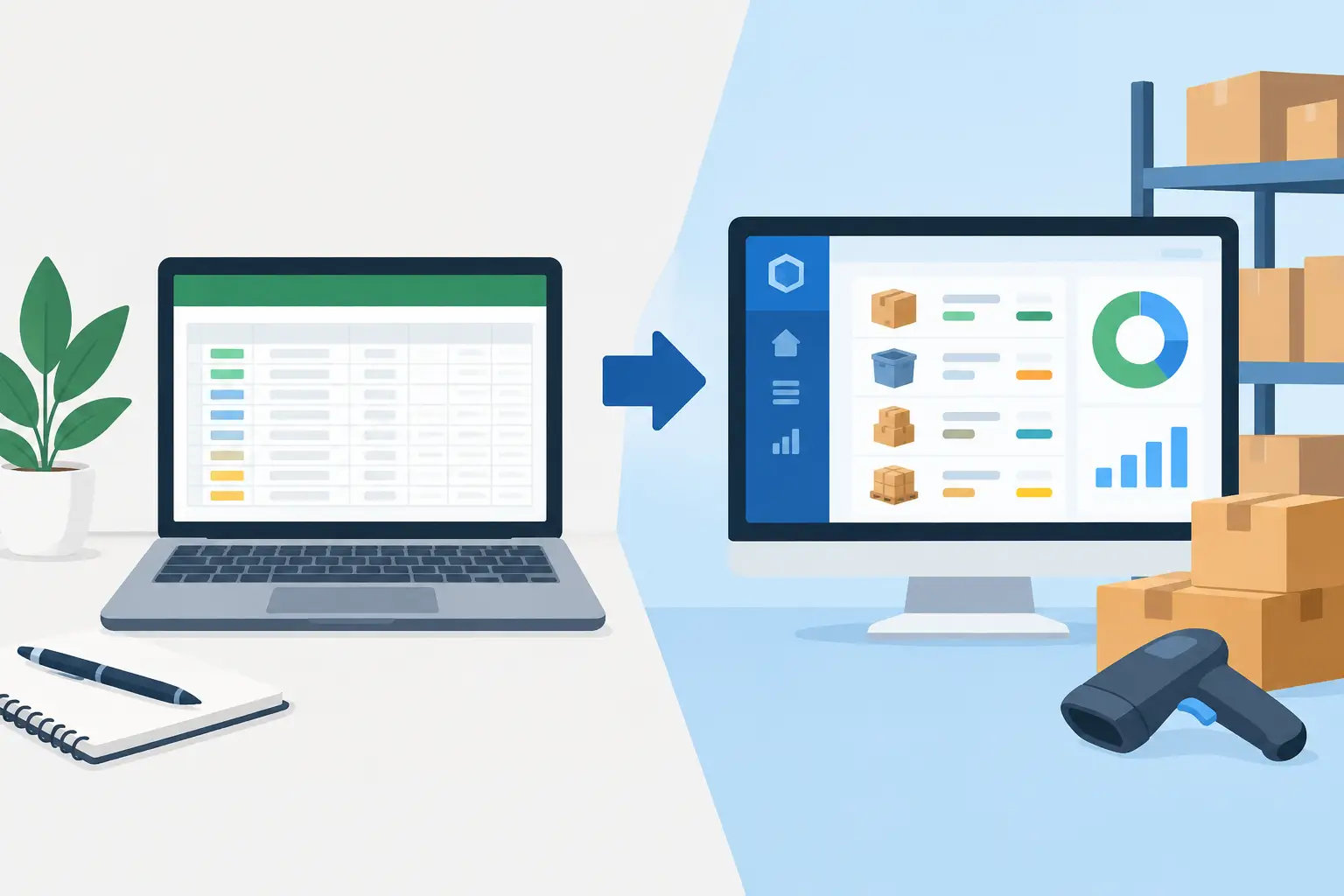
A spreadsheet can feel perfectly adequate when you sell a few items, place occasional orders, and one person updates the numbers. The trouble starts when the file becomes the source of truth for sales, purchasing, returns, damaged goods, and warehouse counts at the same time. That is where inventory tracking versus spreadsheets becomes a practical business decision, not a software preference.
The question is not whether spreadsheets are useful. They are. The question is whether your team can still trust the number in the quantity-on-hand column when a customer calls, a supplier invoice arrives, or you need to decide what to reorder.
Where spreadsheets work well for inventory
For a very small catalog with low transaction volume, a spreadsheet can be a sensible starting point. It is familiar, flexible, and inexpensive. You can add columns for SKU, item description, supplier, purchase price, selling price, reorder level, and location without waiting for a system setup.
Spreadsheets also work well for analysis outside your daily workflow. A buyer may use one to compare vendor quotes, test a seasonal purchase plan, or review slow-moving inventory. These tasks benefit from flexibility because they are not always tied to completed sales and purchases.
The limits appear when the spreadsheet must be updated after every business event. A sale reduces stock. A purchase increases it. A return, transfer, write-off, or count adjustment changes it again. If those updates happen manually, the accuracy of the file depends on every person remembering the same process every time.
Inventory tracking versus spreadsheets: the real difference
The main difference is not the screen your team uses. It is whether inventory movements are connected to the transactions that caused them.
In a spreadsheet, the sales team may issue an invoice in one place while operations subtracts stock in another. Purchasing may enter a vendor bill, but someone still has to add the received quantity to the inventory file. The business can end up with several versions of the same answer: one in the spreadsheet, one in invoices, one in bills, and one on the warehouse shelf.
Inventory tracking software records the movement as part of the workflow. When you document a purchase, sale, return, or adjustment, the inventory record can update alongside it. This creates a clearer audit trail and reduces the need to copy information between files.
That connection matters because stock affects more than fulfillment. It affects cash flow, purchasing decisions, gross profit, and customer service. Ordering too much ties up cash in items that sit. Ordering too little can delay a customer order or push a team into expensive rush purchasing.
Spreadsheets rely on discipline
A well-built spreadsheet can calculate reorder points, flag low quantities, and estimate inventory value. But formulas do not prevent someone from entering the wrong SKU, changing the wrong cell, or saving a second version of the file to their desktop.
Manual files also require clear ownership. If the warehouse, sales team, bookkeeper, and owner can all edit the same sheet, someone needs to define who updates which fields and when. Without that structure, a spreadsheet becomes less of a record and more of a best guess.
Inventory software relies on process
Software is not a cure for poor procedures. Your team still needs consistent item names, SKUs, units of measure, receiving steps, and physical counts. The advantage is that the process can be built into the daily work instead of managed through reminders and separate documents.
A connected system also makes it easier to see why inventory changed. Instead of asking who edited cell G42 last Tuesday, you can review the related transaction or adjustment. That saves time when a count does not match expectations and helps managers spot recurring issues.
Signs your business has outgrown the inventory spreadsheet
Most businesses do not switch because spreadsheets suddenly stop opening. They switch because manual tracking starts creating repeated friction.
You may be ready for dedicated inventory tracking if staff regularly ask which file is current, if sales are recorded before stock is updated, or if you discover shortages only after accepting an order. Frequent inventory adjustments with no clear reason are another warning sign. So are month-end inventory counts that require hours of reconciling invoices, bills, and multiple worksheets.
Growth adds pressure quickly. More SKUs, more suppliers, more storage locations, and more employees all create more chances for a manual update to be missed. A spreadsheet that worked for 30 items and one employee may not work for 300 items handled by a sales team, a buyer, and a warehouse manager.
Profit visibility is often the deciding factor. When inventory costs are not connected to purchases and sales, it becomes harder to understand which products actually make money. A strong sales month can still strain cash if margins are thin, purchasing costs have risen, or slow-moving items are piling up.
What to look for in inventory tracking software
Choose a system based on the work your team performs every day, not on a long feature list. For many small and medium-sized businesses, the most useful capability is simple: record inventory movements where sales, purchases, bills, and payments are already being managed.
Start with item-level visibility. Your team should be able to see quantity on hand, track increases and decreases, and make authorized adjustments when goods are damaged, lost, returned, or counted incorrectly. A clear adjustment history gives you control without forcing you to maintain a separate log.
Next, look at the financial connection. Inventory tracking is more useful when it helps you review purchasing costs, sales activity, and the effect of stock on cash flow. If a product is selling quickly but its margin is shrinking, you need that information before placing the next order.
Access matters too. Owners, bookkeepers, operations managers, and sales staff may need different levels of visibility. Cloud access allows the right people to work from the same current records rather than emailing spreadsheets back and forth. Custom fields and document layouts can also help when your business uses internal item codes, special customer requirements, or branded paperwork.
Support should be part of the decision. Moving from a spreadsheet usually means cleaning up item records, setting opening quantities, and teaching staff a new routine. A provider that can answer practical questions and help tailor the setup can make the change much easier.
How to move without disrupting operations
Do not try to rebuild every old worksheet before you begin. Start with the records your team needs to operate accurately now: active items, SKUs, current quantities, costs, suppliers, and reorder information where applicable.
Before importing or entering data, standardize your item list. Remove duplicate names, confirm that each SKU is unique, and decide how you will name product variations. For example, a blue medium shirt should follow the same naming pattern as every other size and color variation. Clear naming reduces errors during sales and receiving.
Set an opening inventory date and perform a physical count as close to that date as possible. The count may reveal differences from the spreadsheet, but that is useful information. Starting with an honest number is better than carrying old mistakes into a new system.
Then define simple rules for the team. Decide who receives inventory, who can make adjustments, and how returns are recorded. Train staff on the few actions they perform most often rather than overwhelming them with every possible setting. Review the first few weeks closely and correct process gaps early.
The right choice depends on transaction volume
A spreadsheet may remain the right tool if you have a small item list, low sales volume, and one person responsible for every update. There is no prize for adopting more software than your business needs.
But once inventory is shared across people and tied to regular sales and purchasing activity, manual tracking becomes expensive in ways that do not always show up on a subscription comparison. The cost appears in missed orders, rushed purchases, excess stock, inaccurate margins, and staff time spent finding the right number.
MyCloudBook brings inventory movements together with invoicing, bills, expenses, payments, and reporting, helping your team manage daily operations from one organized cloud workspace. The goal is not to replace useful analysis spreadsheets. It is to stop using them as the fragile center of your inventory process.
A good next step is simple: track how many times your team updates the inventory spreadsheet manually in one week. If that number surprises you, your business may be ready for a system that keeps stock records current while your team gets on with serving customers.