
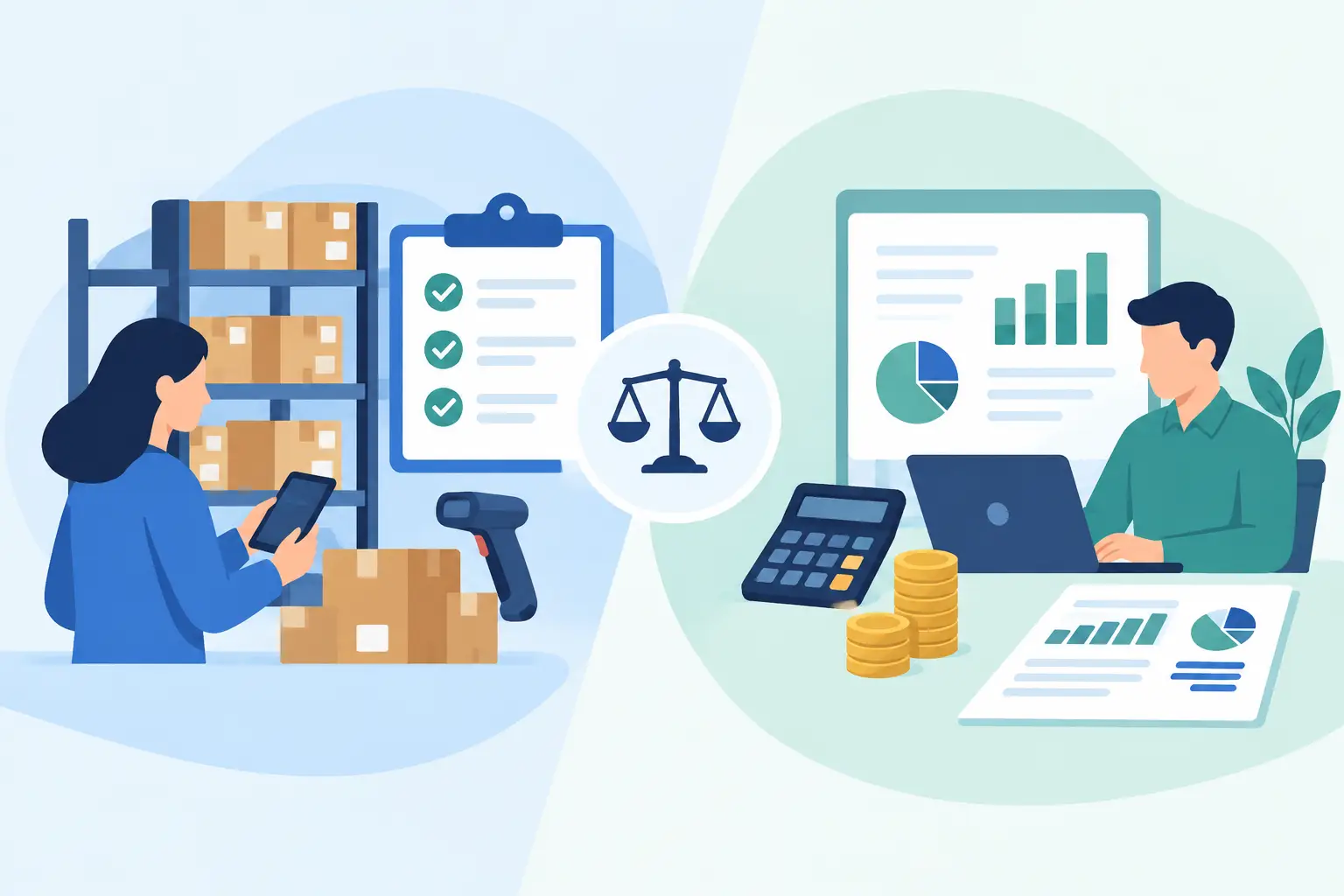
A product sells, the shelf count drops, and the invoice goes out. That single transaction can affect stock levels, cost of goods sold, revenue, taxes, and cash flow. The question of inventory software vs accounting software matters because each system looks at that transaction from a different angle - and a gap between them can create extra work, inaccurate margins, or unpleasant surprises at tax time.
For many small and medium-sized businesses, the best answer is not choosing one system over the other. It is deciding which capabilities belong in the same workflow and which require a specialized tool.
What inventory software is built to do
Inventory software helps a business track the physical items it buys, stores, moves, and sells. Its main job is operational control. It tells your team what is available, where it is located, what needs to be reordered, and what has changed.
A basic inventory system may record item names, SKUs, quantities, purchase costs, and sales prices. More advanced systems can manage multiple warehouses, barcode scanning, reorder points, purchase orders, lot or serial tracking, and stock transfers between locations.
This visibility is especially useful for trading companies, retailers, distributors, and businesses that assemble or resell products. When someone asks whether an item is available, the team needs an answer before creating a quote or invoice. Inventory software is designed to provide that answer quickly.
However, inventory counts alone do not show the full financial picture. Knowing that you have 250 units on hand is useful. Knowing how those units affect your asset balance, gross profit, cash position, and tax reporting requires accounting records.
What accounting software is built to do
Accounting software records the financial activity of the business. It organizes income, expenses, bills, payments, transfers, taxes, accounts receivable, and accounts payable so owners and finance teams can understand where money is going.
Its focus is the general ledger: the financial record behind every business transaction. Accounting software helps you send invoices, record vendor bills, reconcile bank activity, monitor overdue customer payments, and prepare reports such as profit and loss statements, balance sheets, and cash flow reports.
For a service business with little or no physical stock, accounting software may be the main system needed. A marketing agency, consultant, contractor, or professional services firm may care more about billable time, project expenses, deposits, and invoice status than warehouse quantities.
That said, accounting software can also include inventory features. The depth of those features determines whether it can support your day-to-day stock operations or simply record inventory values for financial reporting.
Inventory software vs accounting software: the key difference
The clearest difference is the question each system answers. Inventory software answers, “What do we have, where is it, and what should we replenish?” Accounting software answers, “What did we earn, spend, owe, own, and collect?”
When a business sells a product, inventory software reduces the quantity on hand. Accounting software records the sale as revenue and recognizes the cost of the item sold. Both actions are connected, but they serve different purposes.
A standalone inventory platform may be stronger for high-volume warehouses, complex fulfillment, multiple stock locations, or detailed traceability requirements. A standalone accounting platform may be sufficient for a company with simple product counts and a strong need for invoicing, expense control, and financial reporting.
The challenge begins when the two systems do not communicate reliably. If staff must reduce stock in one system and enter the sale again in another, the business is relying on duplicate data entry. That increases the chance of quantity errors, missed costs, and reports that do not match what is actually happening.
Where the two systems overlap
Inventory and accounting meet at inventory valuation. Inventory on hand is generally treated as a business asset until it is sold. Once it is sold, its cost moves into cost of goods sold, which affects gross profit.
For example, imagine a business buys 100 water filters at $20 each. The $2,000 purchase increases inventory. If the company later sells 10 filters, the system should reduce stock by 10 units and recognize $200 in cost of goods sold. If those entries are not connected, the company may show sales revenue without recording the cost behind those sales. Gross profit will look better than it really is.
The overlap also includes purchase orders, supplier bills, sales invoices, returns, discounts, adjustments, and stock write-offs. Each event can change quantities, financial balances, or both.
This is why businesses with straightforward inventory needs often benefit from one platform that handles accounting and inventory movements together. A connected workflow can reduce manual reconciliation and make financial reports more useful for everyday decisions.
When integrated software makes sense
An integrated accounting and inventory system is often a practical fit when your team wants to create invoices, record purchases, track stock, and review profit in one place. It is particularly helpful for businesses that sell a manageable catalog of products and do not need advanced warehouse automation.
Consider an integrated approach if your team regularly needs to:
- Check available inventory before issuing an invoice or sales order
- Record purchases and update item costs without separate spreadsheets
- Adjust stock for damage, loss, samples, or count corrections
- See how product sales affect revenue, costs, and gross profit
- Give owners, bookkeepers, and operations staff access to the same current records
Integration is not only about convenience. It can improve accountability. When a stock adjustment is recorded with a reason and date, the finance team has a clearer trail for reviewing changes. When bills, expenses, and inventory purchases live in the same system, month-end work becomes less dependent on hunting through emails and spreadsheets.
MyCloudBook, for example, combines inventory movements and adjustments with invoicing, bills, payments, expense capture, project profitability, and financial reporting. That can suit businesses that need practical inventory control without taking on a difficult enterprise implementation.
When specialized inventory software is the better choice
A combined system is not automatically the right answer. Businesses with complex inventory operations may need dedicated inventory software alongside their accounting platform.
This usually applies when inventory work involves multiple warehouses, frequent barcode scanning, ecommerce order routing, production planning, detailed lot tracking, serialized assets, complex bundles, or high daily order volume. In those cases, warehouse and fulfillment teams may need tools designed around picking, packing, replenishment, and real-time location control.
The trade-off is integration management. If you use separate systems, decide which one is the source of truth for item quantities, product costs, customer orders, and financial records. Then test the connection carefully. A sync that fails quietly can cause more damage than a manual process that is reviewed every day.
It also helps to assign ownership. Operations may own stock counts and receiving procedures, while the finance team owns account mappings, bill approvals, and reconciliation. Both teams need a shared process for returns, damaged goods, and inventory adjustments.
How to choose based on your workflow
Start with the work your team performs every week, not with a feature checklist. Write down how a product moves from purchase to payment: purchase order, receiving, supplier bill, storage, customer invoice, shipment, payment, return, or adjustment. The steps that are repeated most often should guide your software choice.
Next, look at reporting needs. If you mainly need to know whether stock is available and whether customers have paid, a simple integrated solution may be enough. If you need to measure stock by bin, lot, warehouse, channel, and fulfillment status, specialized inventory tools may be justified.
Also consider the people using the system. An owner may need cash flow and profit visibility. A bookkeeper may need clean expense records and bank reconciliation. An operations manager may need reliable quantities and reorder information. Software works best when each person can complete their part of the process without exporting data or waiting for another team to update a spreadsheet.
Finally, plan for exceptions. Ask how the system handles a supplier price change, partial delivery, returned product, damaged stock, or an invoice created before items ship. These ordinary events reveal whether a system fits your actual business better than a polished demo does.
Keep financial and stock records connected
The goal is not to collect more software. It is to create a dependable record of what your business owns, sells, spends, and earns. For some companies, that means one accessible accounting platform with inventory tools. For others, it means a specialized inventory system connected carefully to accounting.
Choose the setup that gives your team current stock information, accurate costs, and financial reports you can trust when it is time to make the next purchase or price the next job.