
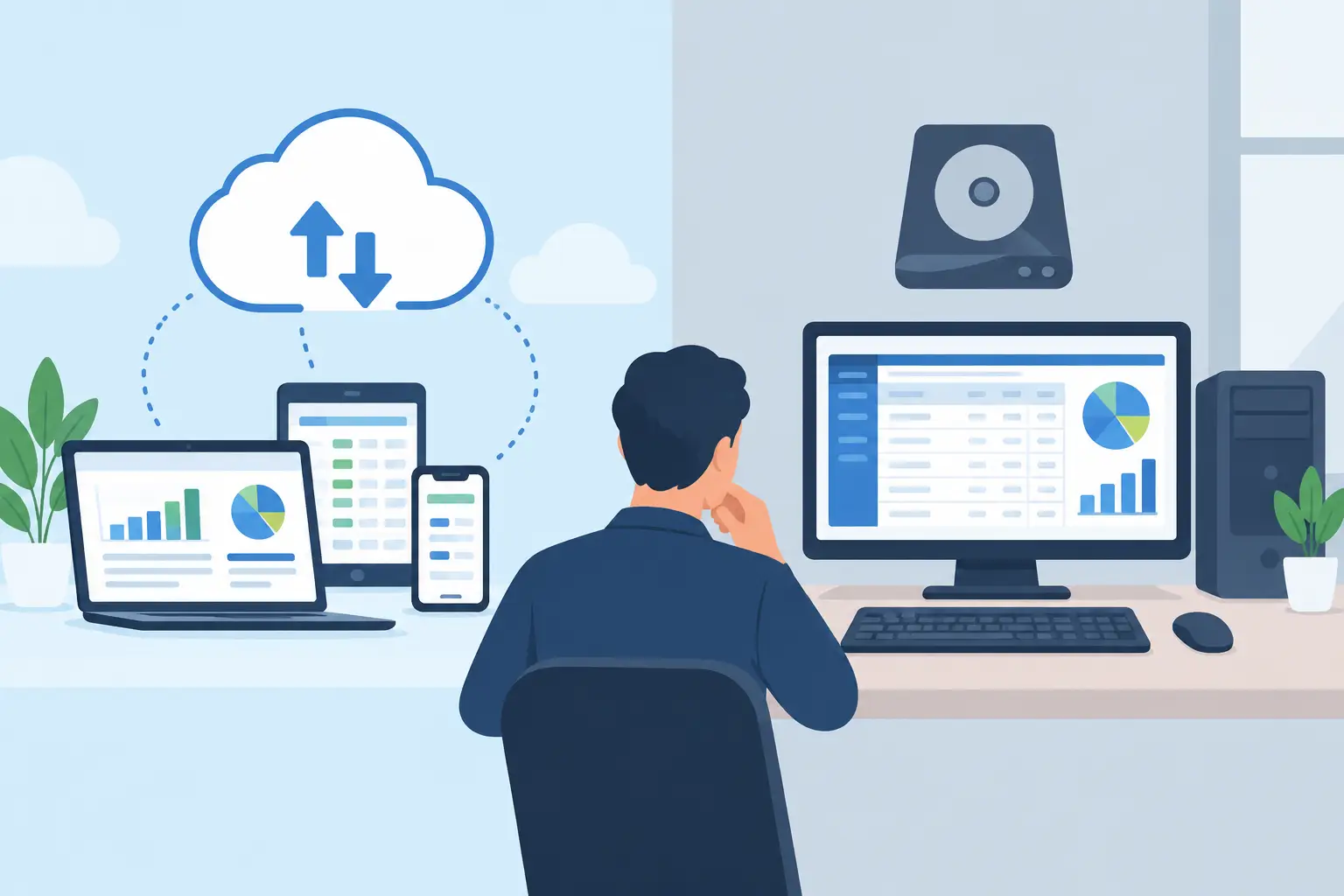
A customer calls asking for an invoice copy, an employee submits a receipt, and your operations manager needs to know whether a project is still profitable. Cloud bookkeeping versus desktop accounting determines whether your team can handle those requests right away or must wait for the person with access to a specific computer.
For small and medium-sized businesses, this is not just a software preference. It affects how invoices move, how expenses are captured, who can review cash flow, and how much manual follow-up your team needs each month. The right choice depends on your workflows, team structure, security needs, and how often financial work happens away from one desk.
What is the difference between cloud bookkeeping and desktop accounting?
Desktop accounting software is installed on a computer or local server. The company typically controls the software files, updates, backups, and user access from that location. It can be a practical fit for a business with one bookkeeper, one office, and established processes that rarely change.
Cloud bookkeeping software runs through a secure online account. Authorized users can sign in from a browser, with their permissions determining what they can see and do. Financial records are stored centrally, so invoices, bills, expenses, documents, inventory activity, and reports stay connected instead of being passed between computers or email inboxes.
The key difference is access. Desktop systems are tied more closely to a device or local network. Cloud systems are built for shared, current access across locations and roles.
Where cloud bookkeeping saves time
The biggest benefit of cloud bookkeeping is not simply working from anywhere. It is reducing the gaps between the people who create financial activity and the people responsible for reviewing it.
When a sales team sends invoices, an administrator records supplier bills, and an owner checks outstanding customer balances in the same system, everyone works from the same information. There is less need to export a file, ask for the newest version, or wait for someone to return to the office.
Faster invoicing and payment follow-up
An invoice should not sit in a draft folder because the person who creates it is out of the office. With cloud access, approved team members can create invoices, check payment status, and resend documents when customers ask for them. Custom branded layouts also help businesses send documents that look consistent and professional without redesigning them every time.
This matters when cash flow is tight. A clear view of open invoices and due dates makes it easier to follow up promptly and plan around expected payments.
Better expense records at the point of purchase
Paper receipts create a predictable problem: they disappear before anyone records them. Cloud systems can make expense capture part of the daily process. A team member can upload a receipt when the purchase happens, attach it to the expense, and provide the details the bookkeeper needs.
AI-powered receipt-to-expense capture can reduce data entry, but it should not replace review. Someone still needs to confirm the vendor, amount, category, tax treatment, and project or customer assignment when applicable. Automation is most useful when it removes repetitive typing while keeping a clear approval process.
Clearer project and inventory visibility
Businesses that sell services need more than a total revenue number. They need to calculate the profits and costs of each project. When invoices, expenses, and related transactions are connected to the project, managers can spot margin problems before the work is complete.
Inventory-based businesses have a similar need for current information. If stock movements, adjustments, purchases, and sales are recorded in separate places, the number in the accounting system may not reflect what is actually available. A cloud platform that tracks inventory movements gives operations and finance teams a shared view of what needs attention.
When desktop accounting still makes sense
Cloud software is not automatically the best choice for every business. Desktop accounting can still be reasonable when financial work is handled by one experienced person on one reliable computer, the company has limited collaboration needs, and internet access is consistently poor.
Some organizations also rely on older local tools or highly specialized integrations that would be expensive to replace. In that situation, moving to the cloud without a transition plan can create disruption. The question is whether the current setup is truly serving the business or simply familiar.
Desktop software may also appeal to owners who want files stored only on their own equipment. That control comes with responsibility. The business must manage backups, device security, software updates, disaster recovery, and access when a computer fails or an employee leaves. Local control is valuable only when the company has the discipline and resources to maintain it properly.
The trade-offs to review before choosing
Cloud bookkeeping requires a dependable internet connection. If your office regularly loses connectivity, ask how the team will handle urgent work during an outage. It is also worth confirming what browser, device, and security requirements apply before rolling the system out to multiple users.
Desktop accounting can provide more direct control over local files, but it usually makes collaboration harder. Remote access may require additional setup, remote desktop tools, or careful file-sharing procedures. Those workarounds can become costly as more people need access.
Security deserves a practical review in either model. Cloud users should use strong passwords, multi-factor authentication when available, defined user roles, and prompt removal of former employees. Desktop users need those same habits, plus protected devices, encrypted backups, malware protection, and a tested recovery plan.
Cost is another trade-off. Desktop software may look less expensive when purchased once, but businesses should include upgrade costs, IT support, backups, remote access tools, and lost time from manual work. Cloud software uses a recurring subscription, which is easier to forecast, but the plan should match the number of users, documents, features, and support level your business actually needs.
Cloud bookkeeping versus desktop accounting for growing teams
Growth is where many businesses outgrow desktop accounting. A company may begin with one owner handling invoices after hours. Later, it adds an office manager, a bookkeeper, sales staff, project managers, warehouse personnel, and an outside accountant. At that point, sending files back and forth is no longer a process. It is a bottleneck.
Cloud bookkeeping lets businesses give people access based on their role. An employee can submit expense documents without changing financial settings. A manager can review project earnings without seeing every bank detail. A bookkeeper can reconcile transactions while the owner checks cash flow from another location.
This is especially useful for businesses with multiple entities, mobile teams, more than one location, or international customers and suppliers. Multi-currency transactions, centralized documents, and shared reporting help prevent the financial picture from being split across spreadsheets and separate local files.
A platform such as MyCloudBook is designed around those daily operational needs, combining invoicing, bills, payments, inventory, project profitability, document storage, custom fields, and multi-user access in one workspace. The goal is not to make accounting feel more technical. It is to give each team member the information and tools needed to complete their part of the process.
How to decide what your business needs
Start with the work that causes delays today. If you are constantly asking who has the latest records, chasing paper receipts, waiting for invoice updates, or building reports manually, cloud bookkeeping is likely worth serious consideration.
Review these questions with the people who use financial information each week:
- Do more than one or two people need current access to invoices, expenses, or reports?
- Does your team work from different locations, travel, or support customers outside normal office hours?
- Do you need to track inventory movements, project costs, customer balances, or multiple currencies in one place?
- Can your business maintain reliable backups, updates, security, and recovery procedures for local accounting files?
Your answers should shape the decision more than a feature checklist. A simple business with one local user may be well served by desktop accounting. A business that needs visibility across teams will usually benefit more from a cloud system built for collaboration.
Plan the switch carefully
If you choose to move from desktop accounting to the cloud, avoid treating it as a quick file transfer. First, clean up duplicate contacts, outdated products, open invoices, and uncategorized expenses. Decide which historical records need to be migrated and which can remain archived for reference.
Next, set clear rules for your new workflow. Define who creates invoices, who approves bills, how receipts are submitted, when bank transactions are reviewed, and which reports managers should check. Set user permissions before inviting the full team.
Run the new process with a small group first if possible. Compare balances, open invoices, inventory quantities, and key reports against your existing records. A careful transition takes effort, but it gives your team a cleaner starting point and reduces confusion later.
The best accounting setup is the one that helps your business act while the information still matters. Choose the option that makes it easier for your team to send the invoice, record the expense, check the project margin, and stay on top of cash flow without creating more work behind the scenes.