
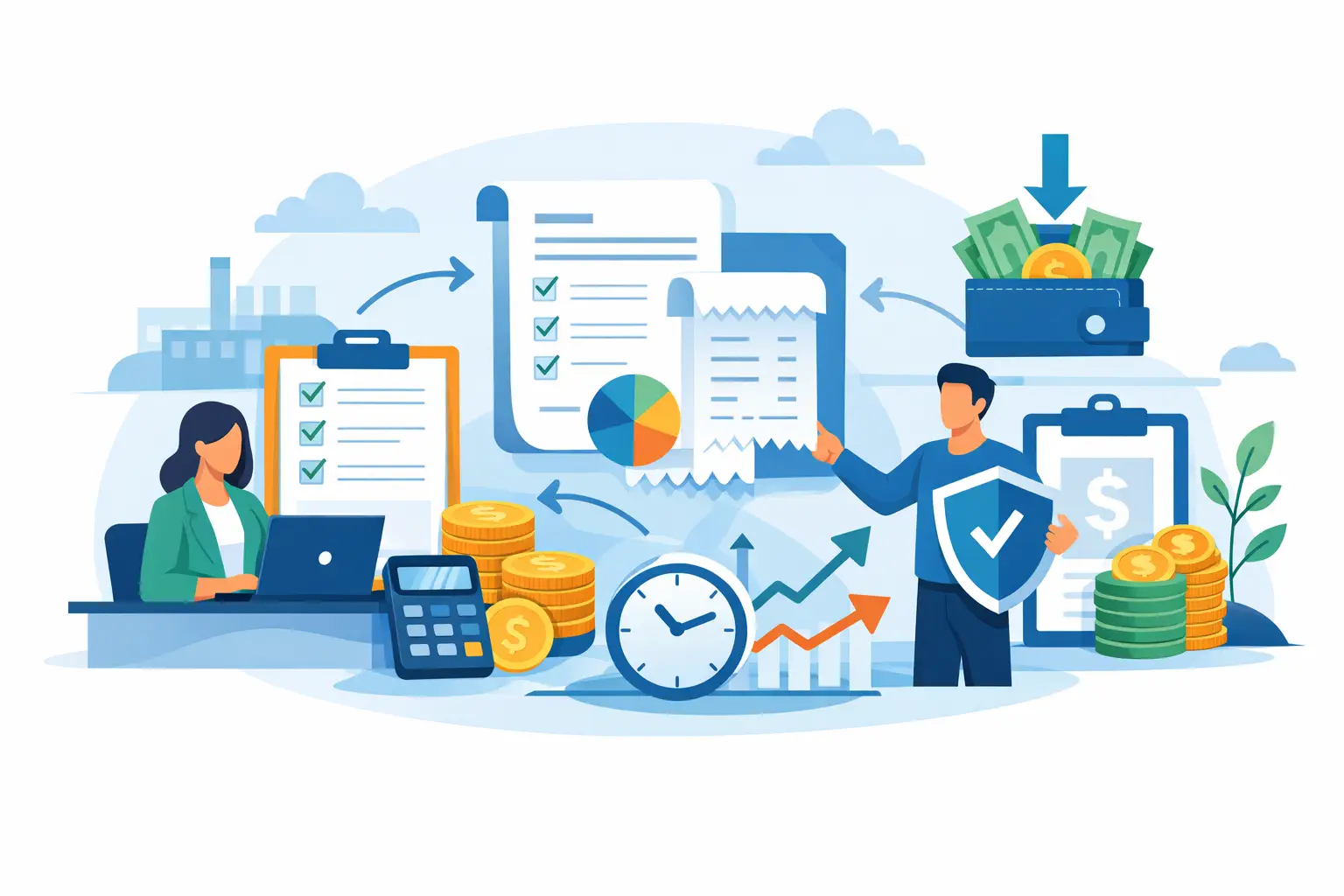
A vendor bill can look routine until it is paid twice, approved by the wrong person, or discovered after the due date. For a growing business, those small misses add up to strained vendor relationships, rushed bank transfers, and less confidence in the cash balance. Learning how to manage vendor bills is really about creating a reliable path from receiving a bill to recording, approving, paying, and reviewing it.
The goal is not to make accounts payable complicated. It is to make every bill easy to find, easy to verify, and hard to lose.
Start with one place for every vendor bill
Bills often arrive through several channels: email attachments, paper mail, supplier portals, text messages, or an employee's inbox. When each person saves documents differently, the business loses time looking for paperwork and risks entering the same bill more than once.
Set one rule: every vendor bill belongs in one shared system as soon as it is received. Attach the original PDF, photo, or scan to the transaction record. That way, the person approving payment can see the invoice number, amount, due date, line items, and supporting document without asking someone else to forward an email.
A centralized record also helps when a vendor asks about a payment months later. Instead of searching through folders, you can pull up the bill, payment status, notes, and document history from the same place.
For businesses handling receipts alongside supplier invoices, keep those workflows separate. A receipt usually documents an expense already paid. A vendor bill represents money you still owe. Mixing them can overstate expenses or create duplicate entries.
How to manage vendor bills with a consistent workflow
A good bill workflow has clear ownership at each stage. The steps can stay simple, but they should happen in the same order every time:
- Receive and capture the bill. Enter the vendor, bill date, due date, invoice number, amount, tax, and payment terms. Attach the source document immediately.
- Match the bill to what was ordered or received. Confirm that the price, quantity, services, and terms are correct. For inventory purchases, compare the bill with the inventory received. For project work, confirm the cost belongs to the right project.
- Code the expense correctly. Assign the appropriate expense, asset, cost of goods sold, inventory, or project category. This is what makes later reports useful.
- Approve the bill. The person closest to the purchase should confirm it is valid. A manager or owner may approve larger amounts, unusual purchases, or bills outside the agreed budget.
- Schedule payment. Pay based on the due date, available cash, early-payment discounts, and the importance of the vendor relationship.
- Record the payment and reconcile it. Mark the bill paid only when the payment is actually sent or cleared, depending on your accounting process. Then match it to the bank or card activity during reconciliation.
Not every business needs a long approval chain. A two-person service company may only need the owner to review bills over a set dollar amount. A trading company with frequent inventory purchases may need purchasing, warehouse, and finance teams to confirm different details. The right level of control depends on transaction volume, team size, and the cost of a mistake.
Capture the details that prevent duplicate payments
The invoice number is one of the most useful controls in accounts payable. Enter it exactly as shown on the bill and use it to check for duplicates from the same vendor. Some suppliers reuse similar invoice formats or send reminder copies, so a quick duplicate check before approval can prevent an unnecessary payment.
Also record payment terms rather than relying only on a due date. Terms such as Net 15, Net 30, or due upon receipt tell you how the vendor expects to be paid and make it easier to plan upcoming cash needs. If a bill offers a discount for early payment, record that information too. A 2% discount may be worthwhile, but only if paying early does not create a cash shortage elsewhere.
Use notes or custom fields for details your business repeatedly needs. You may want to store a purchase order number, department, location, project code, contract reference, or the employee who requested the purchase. These fields turn a bill list into an operational record instead of a simple payment queue.
Review bills before payment, not after
Approvals are most effective when they answer specific questions. Was this purchase authorized? Did the business receive the goods or services? Is the price what was agreed? Has this invoice already been entered? Does the expense belong in this period and category?
For recurring bills, such as rent, software subscriptions, utilities, or regular contractor fees, the review can be lighter once the amount and terms are predictable. Still, someone should check for price changes, unexpected usage charges, and duplicate invoices. Recurring does not mean automatic approval forever.
Set approval limits that match your team. For example, an office manager may approve routine operating bills under $500, while a finance manager approves bills over that amount and the owner reviews capital purchases or non-budgeted costs. The point is accountability, not delay.
Avoid paying from a verbal request alone. If a vendor says payment is overdue, locate the bill record and verify the banking details before sending funds. Payment fraud often starts with an urgent email asking a company to update vendor bank information. Confirm changes using a known phone number or established vendor contact, not the contact information in the request.
Pay on time while protecting cash flow
The fastest payment is not always the best payment. Paying every bill the day it arrives can reduce the cash available for payroll, inventory, tax obligations, or unexpected operating costs. Paying everything at the last possible moment can damage supplier trust and cause late fees.
A practical approach is to review the bill payment schedule at least once a week. Look at bills due in the next 7, 14, and 30 days, then compare those obligations with expected customer payments and the current bank balance. This gives you time to ask for clarification, schedule funds, or discuss terms with a vendor before the bill becomes urgent.
Prioritize bills that affect your ability to operate: key inventory suppliers, essential contractors, rent, utilities, and vendors with strict credit terms. Then consider early-payment discounts and due dates. If cash is tight, speak with the vendor early. Many suppliers are more flexible when they hear from you before a payment is late.
For businesses with multiple bank accounts, cards, currencies, or entities, record which account is used for each payment. This makes reconciliation cleaner and gives finance teams a more accurate view of available cash.
Use reporting to spot problems early
Aged payables reporting shows what you owe now and what is coming due. Review it regularly, not only at month-end. Large balances with one vendor, bills sitting unapproved, or overdue invoices can reveal a process problem before it affects operations.
It also helps to compare vendor spending over time. If shipping costs, materials, software, or subcontractor fees are rising, you can investigate while there is still time to adjust pricing, renegotiate terms, or change purchasing decisions. When bills are linked to projects, you can see whether vendor costs are reducing the profitability of specific jobs.
Month-end reconciliation is the final check. Match recorded bill payments against bank and card transactions, investigate anything unmatched, and make sure unpaid bills remain open. Accurate payables records support accurate cash flow reports, expense reports, inventory values, and project margins.
Give your team the right access and support
Vendor bill management works best when the people involved can do their part without gaining unnecessary access to sensitive financial areas. An operations employee may need to upload bills and enter purchase details. A manager may need approval access. A bookkeeper may need to code expenses, schedule payments, and reconcile transactions.
Cloud accounting software can keep those activities in one place while allowing authorized team members to work from different locations. MyCloudBook helps businesses track bills, attach documents, customize fields for their workflow, and give multiple users access to the records they need.
Start with a process your team can follow on a busy Tuesday: capture the bill, verify it, approve it, schedule it, and keep the document with the record. That routine gives you a clearer view of what you owe and lets you make payment decisions before cash flow makes them for you.