
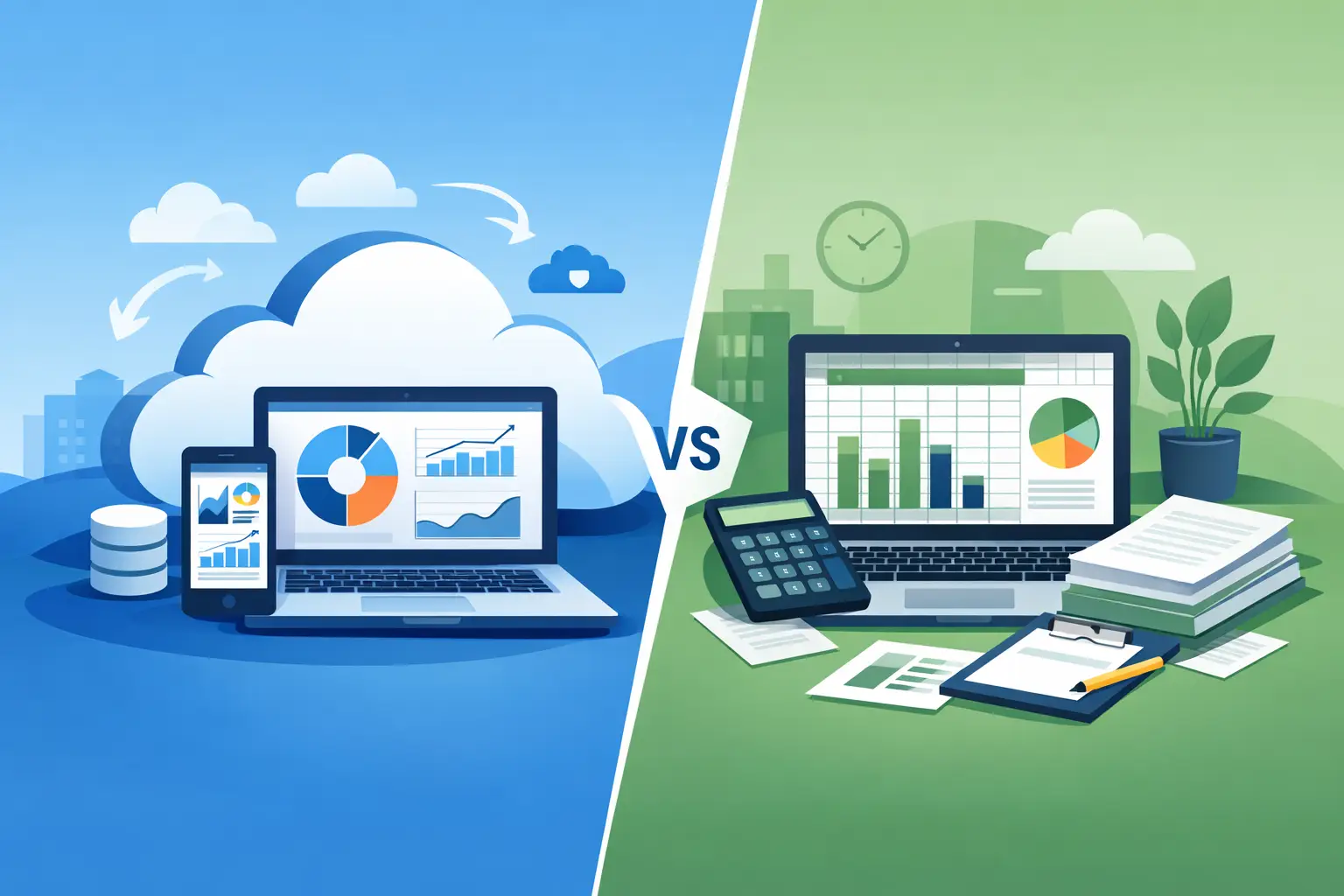
A spreadsheet can feel like the fastest way to get financial control. You can open a blank file, add columns for sales and expenses, and start tracking activity before lunch. But cloud accounting vs spreadsheets becomes a more serious decision when that file starts carrying the weight of invoices, unpaid bills, inventory, project costs, and the cash flow decisions that keep your business moving.
For many small businesses, spreadsheets are not wrong. They are useful for planning, one-time analysis, and simple recordkeeping. The problem begins when a spreadsheet becomes the system your team depends on to know what customers owe, what bills are due, whether a project made money, or how much inventory is actually available.
Cloud accounting vs spreadsheets: the practical difference
The main difference is not that one uses formulas and the other does not. It is that cloud accounting is built to record financial activity as it happens and connect that activity across your business.
A spreadsheet is a flexible table. It can calculate totals, compare months, and help you build a forecast. But someone must enter the data, maintain the formulas, save the latest version, and make sure every related file is updated. If an invoice is paid, an employee has to update the invoice tracker, cash flow sheet, customer balance report, and possibly a separate sales report.
Cloud accounting puts those activities in one connected system. Create an invoice, record a payment, enter a bill, capture a receipt, or adjust inventory, and the related records update from the same source. Instead of asking which spreadsheet is current, your team can work from the same company data.
That change matters most when financial tasks are shared. An owner may need a quick view of cash flow, a bookkeeper may need clean expense records, and an operations manager may need to know whether stock is available. A cloud system gives each person access to current information without passing files back and forth.
Where spreadsheets still work well
Spreadsheets remain valuable when the task is temporary, highly customized, or based on assumptions rather than completed transactions. A sales forecast, annual budget scenario, price comparison, or staffing plan may work very well in a spreadsheet.
They can also be enough for a very early-stage business with a small number of transactions, one person handling the books, no inventory, and few customer invoices. If you send a handful of invoices each month and record only basic expenses, a carefully maintained spreadsheet may be manageable for a while.
The key phrase is “for a while.” Growth adds exceptions. A customer makes a partial payment. A supplier bill is due next month. A receipt is missing. A project has labor costs that need to be compared with revenue. A team member changes a number but does not tell anyone. These are normal business events, but they expose the limits of a manual file.
The hidden cost of manual updates
A spreadsheet does not usually fail because of one dramatic mistake. It loses value through small delays and inconsistencies. An expense may be entered days after it was paid. An invoice status might not be updated. A formula can be overwritten, a row sorted incorrectly, or a duplicate version saved to someone’s desktop.
Those problems have a real operating cost. When your numbers are late or questionable, you postpone decisions. You may wait to place an inventory order because the available quantity is uncertain. You may follow up with a customer who already paid. You may assume a project is profitable because revenue looks strong, while its related costs are sitting in another worksheet.
Cloud accounting reduces this rework by making each transaction part of an ongoing record. You still need good habits and accurate entries. Software cannot correct a bill that was never entered or a receipt that was thrown away. But it can make the correct process faster, easier to review, and less dependent on one person’s memory.
Compare the daily work, not just the price
A spreadsheet may appear less expensive because it is often included with software your business already uses. The better comparison is the time spent keeping it accurate and the cost of missed visibility.
Invoicing and customer payments
With a spreadsheet, invoice numbers, due dates, payment status, and customer balances often live in separate columns or files. Creating branded documents may require manual templates, and following up on overdue invoices means reviewing rows one at a time.
With cloud accounting, invoices can be created from customer records, sent in a consistent format, and tracked by status. When payments are recorded, the outstanding balance updates. This gives owners and finance teams a clearer view of expected cash without rebuilding a report each week.
Expenses, bills, and receipts
Spreadsheets work only after someone types in each expense and assigns it to the right category. That is manageable for a few purchases. It gets slower when employees submit receipts, vendors send bills, and month-end arrives with a stack of documents waiting to be entered.
A cloud platform can store documents alongside financial records and use receipt-to-expense capture to reduce manual entry. Bills can be recorded with due dates, so upcoming obligations are visible before they become urgent. The outcome is simple: less paperwork chasing and a more current picture of what the business owes.
Inventory and project profitability
This is where many businesses outgrow spreadsheets quickly. Inventory quantities change through purchases, sales, returns, damage, and corrections. Project margins depend on more than the invoice amount. You need to see the income, direct costs, and other related expenses together.
A connected accounting system can track inventory movements and adjustments as part of day-to-day operations. It can also help teams calculate the profits and costs of each project rather than relying on an end-of-job spreadsheet review. For service businesses, that can reveal which types of work are worth repeating. For trading companies, it can prevent decisions based on outdated stock information.
Team access and accountability
Emailing spreadsheets creates version confusion. Sharing one file can create a different issue: too many people can change important data without a clear workflow. Password protection helps, but it does not turn a worksheet into a shared financial process.
Cloud accounting allows multiple users to work in the same company environment with appropriate access. Your administrative team can prepare documents, your bookkeeper can review entries, and management can view reports without waiting for a file to be emailed. A record of activity is easier to trace when questions arise.
Signs your business is ready to move
You do not need to wait until spreadsheets have caused a major problem. Consider switching when several of these situations are becoming routine:
- You spend too much time reconciling different invoice, expense, and payment files.
- More than one person needs access to current financial records.
- You need to track unpaid invoices, bills due, or cash flow more reliably.
- Inventory counts or project costs are maintained separately from sales records.
- Monthly reporting depends on manual copy-and-paste work.
One sign alone may not require a new system. But if your team recognizes several, the issue is likely not spreadsheet skill. It is that your operations need a connected workflow.
A sensible way to make the change
Switching does not mean trying to rebuild every financial record overnight. Start with the work that causes the most friction. For many businesses, that is invoicing and expense tracking. Others may begin with inventory or project profitability because those areas affect daily decisions.
Set up your chart of accounts, customer and supplier records, document layouts, and user access before entering new transactions. Import clean opening balances and current outstanding invoices or bills. Then establish a routine: record expenses promptly, attach source documents, review unpaid invoices weekly, and check key reports on a regular schedule.
Customization matters here. A system should fit the way your company operates, not force employees into unclear workarounds. MyCloudBook supports custom fields, branded printable documents, multi-user access, inventory adjustments, project earnings visibility, and multi-currency transactions so growing teams can organize financial work around their real processes.
Choose the tool based on the decision you need to make
The best question is not whether spreadsheets are good or bad. Ask whether they give you reliable answers quickly enough. If you only need a planning model, a spreadsheet remains a smart tool. If you need to know who owes you money, what you owe suppliers, what inventory you can sell, and whether a project is earning a profit, cloud accounting gives you a stronger daily foundation.
Keep spreadsheets for analysis and what-if planning. Put the financial records your team relies on every day in a system designed to keep them current. That gives you more time to run the business and fewer reasons to wonder whether the numbers in front of you are still the right ones.