
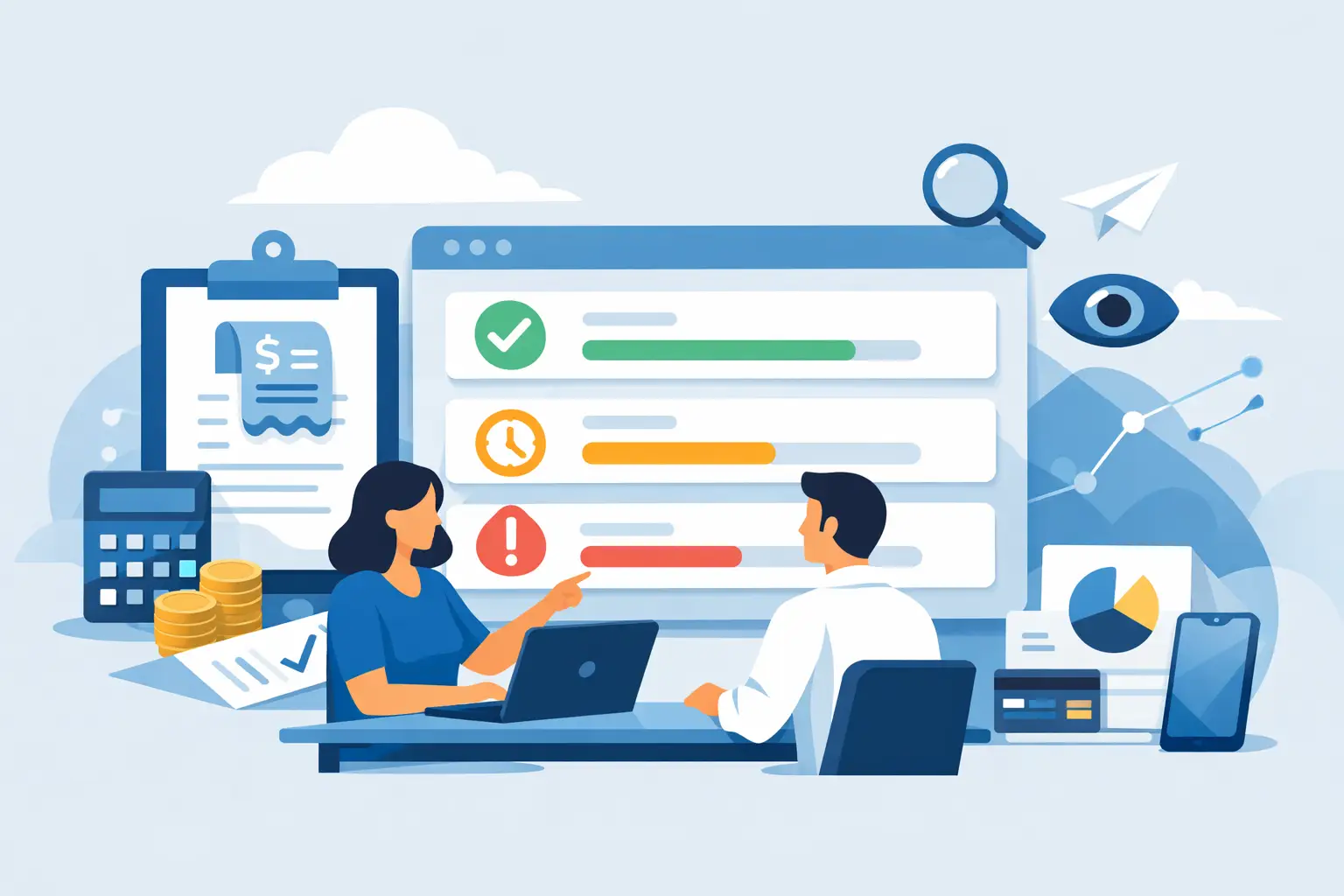
A vendor says an invoice is overdue. Your operations manager believes it was approved last week. Your bookkeeper can see the bill but not the payment confirmation. This is where tracking bill payment status stops being an accounting detail and becomes an operational need.
For a small or midsized business, one unclear bill can lead to late fees, duplicate payments, strained vendor relationships, or an inaccurate picture of available cash. The goal is not to create more steps for your team. It is to make the existing process visible, so everyone knows what is waiting, what has been paid, and what needs attention next.
Why Tracking Bill Payment Status Protects Cash Flow
Bills affect cash flow before money leaves the bank account. A bill waiting for approval is still a future obligation. A scheduled payment is a near-term commitment. An overdue bill may carry penalties or put a key supplier relationship at risk.
When payment status is tracked in separate email threads, paper folders, spreadsheets, and bank portals, the numbers can quickly fall out of sync. A business owner may see a healthy account balance while missing several approved bills due this week. That can lead to decisions based on cash that is already spoken for.
A clear bill status process gives finance and operations teams a shared view of what is happening. It answers practical questions quickly: Has this invoice been received? Was it approved? Is it scheduled for payment? Did the payment clear? If something is overdue, who owns the next step?
The right level of detail depends on your business. A company with a few recurring vendor bills may need a simple approval and payment record. A trading company with inventory purchases, multiple locations, and international suppliers may need due dates, partial payments, currency details, purchase references, and supporting documents attached to each bill.
Set Up Clear Bill Payment Statuses
A status is useful only when the team understands what it means and what action it requires. Avoid vague labels such as “in progress” that can mean anything from “someone saw the invoice” to “the bank transfer is pending.” Use a small set of stages that match your actual workflow.
A practical bill payment workflow often includes these statuses:
- Received - The vendor invoice has been entered and is ready for review.
- Pending approval - The bill needs confirmation from the owner, manager, project lead, or purchasing team.
- Approved - The amount, vendor, account category, and due date have been checked.
- Scheduled - A payment date and method have been selected.
- Paid - Payment has been sent or recorded, with a reference number or confirmation attached when available.
- Overdue or on hold - The bill needs follow-up because the due date passed or there is a question about the charge.
Not every business needs every status. If one person receives, approves, and pays bills, “received,” “scheduled,” and “paid” may be enough. If several people handle purchasing and payment, separating approval from scheduling creates useful accountability without making the process complicated.
The key is consistency. If a bill is marked paid only after the bank confirms the transaction, make that rule standard. If your business records a payment when it is submitted, add a separate pending-payment status so staff do not mistake a submitted payment for a completed one.
Keep Payment Terms and Due Dates at the Bill Level
Payment status loses value if it is not tied to the due date. Enter vendor payment terms when the bill is recorded, then confirm the actual due date on each invoice. A vendor may normally offer Net 30 terms but issue a specific invoice due on receipt, due before delivery, or due at month-end.
This information helps your team prioritize payments based on real commitments rather than memory. It also supports better cash planning. You can see the total amount due this week, the bills that can wait until next month, and the expenses that require an immediate decision.
For recurring bills such as rent, software subscriptions, insurance, and utilities, recording expected due dates in advance reduces last-minute work. Still, review the bill amount before payment. A recurring expense can change because of usage, price increases, taxes, or contract renewals.
Build a Workflow That Prevents Duplicate Payments
Duplicate payments usually happen when the process is unclear, not because someone is careless. One employee receives an emailed invoice, another receives a reminder from the vendor, and both enter or pay the same charge. The risk increases when invoice copies arrive through several channels.
Start by assigning one place where bills are entered and stored. Each record should include the vendor name, invoice number, invoice date, due date, amount, payment terms, and an attached copy of the original document. Invoice numbers matter because they are the quickest way to identify a duplicate vendor charge.
Next, define who can approve bills and who can release payments. In a very small business, those may be the same person. As the company grows, it is often safer to separate the person who confirms the purchase from the person who records or sends the payment. This does not need to be a formal enterprise approval system. A simple rule can be enough: project leads approve project expenses, and the finance team schedules payments after approval.
Finally, record the payment method and payment reference in the same bill record. Whether you pay by ACH, check, card, or bank transfer, your team should be able to confirm the payment without searching several systems. If a vendor contacts you, you can respond with the payment date and reference instead of reopening the entire investigation.
Use Bill Status to Plan Payments, Not Just Record Them
The most useful bill tracking happens before the due date. Reviewing an aging list once a week helps you group bills into practical payment decisions: bills due immediately, bills due soon, bills awaiting approval, and bills requiring vendor follow-up.
This view is especially helpful when cash flow is tight. You may decide to pay early to capture a vendor discount, pay on the due date to preserve working capital, or contact a supplier before a payment becomes late. There is no single best rule. The right decision depends on available cash, vendor terms, inventory needs, project commitments, and the cost of delaying payment.
For example, an inventory-based company may prioritize a supplier bill that is tied to an upcoming shipment, even if another expense is due first. A service business may prioritize contractor payments connected to an active client project. The status record should make those choices easier by showing the bill’s due date, category, project, and supporting documents in one place.
If your team manages multiple entities or currencies, keep each bill connected to the correct company and currency from the start. A payment marked paid in the wrong entity can create a reporting problem that takes longer to fix than the original data entry. Clear records also make month-end reconciliation more manageable because outstanding bills and recorded payments are easier to match against bank activity.
Make the Process Accessible to the People Who Need It
Bill tracking should not depend on one employee being at their desk. Owners may need to approve a purchase while visiting a job site. A project manager may need to confirm whether a subcontractor has been paid. A bookkeeper may need to review a receipt or invoice from home.
Cloud accounting software gives approved users access to the same current bill record, rather than sending copies back and forth. In MyCloudBook, teams can store documents with transactions, manage bills and payments, and give multiple users access based on the way the business works. That reduces the need to ask, “Did anyone pay this?” because the answer is recorded where the bill is managed.
Access should still be controlled. Not every user needs permission to edit payment records or view every vendor expense. Give team members the visibility required for their role, then keep approval and payment authority with the right people. This protects financial data while allowing operations to move without unnecessary delays.
Review Exceptions Before They Become Problems
A short weekly review is more effective than a rushed month-end cleanup. Look for bills that have been pending approval too long, invoices approaching their due dates, payments without confirmation, and overdue balances that have not been addressed.
Also review unusual changes. A bill that is much higher than normal, a new bank detail from a vendor, or a duplicate invoice number deserves a second look. Payment status tracking supports this review because it shows where the bill is in the process and who handled it last.
When a vendor dispute arises, keep notes and supporting documents with the bill. Mark it on hold rather than leaving it in a generic unpaid status. This tells the team not to send payment by mistake while preserving a clear record of why the bill is delayed.
A dependable payment process is not about paying every bill as soon as it arrives. It is about knowing exactly what your business owes, when it is due, and whether the next action is approval, payment, follow-up, or review. When that information is easy to find, your team can protect cash flow and give vendors the reliable answers they expect.